Introduction
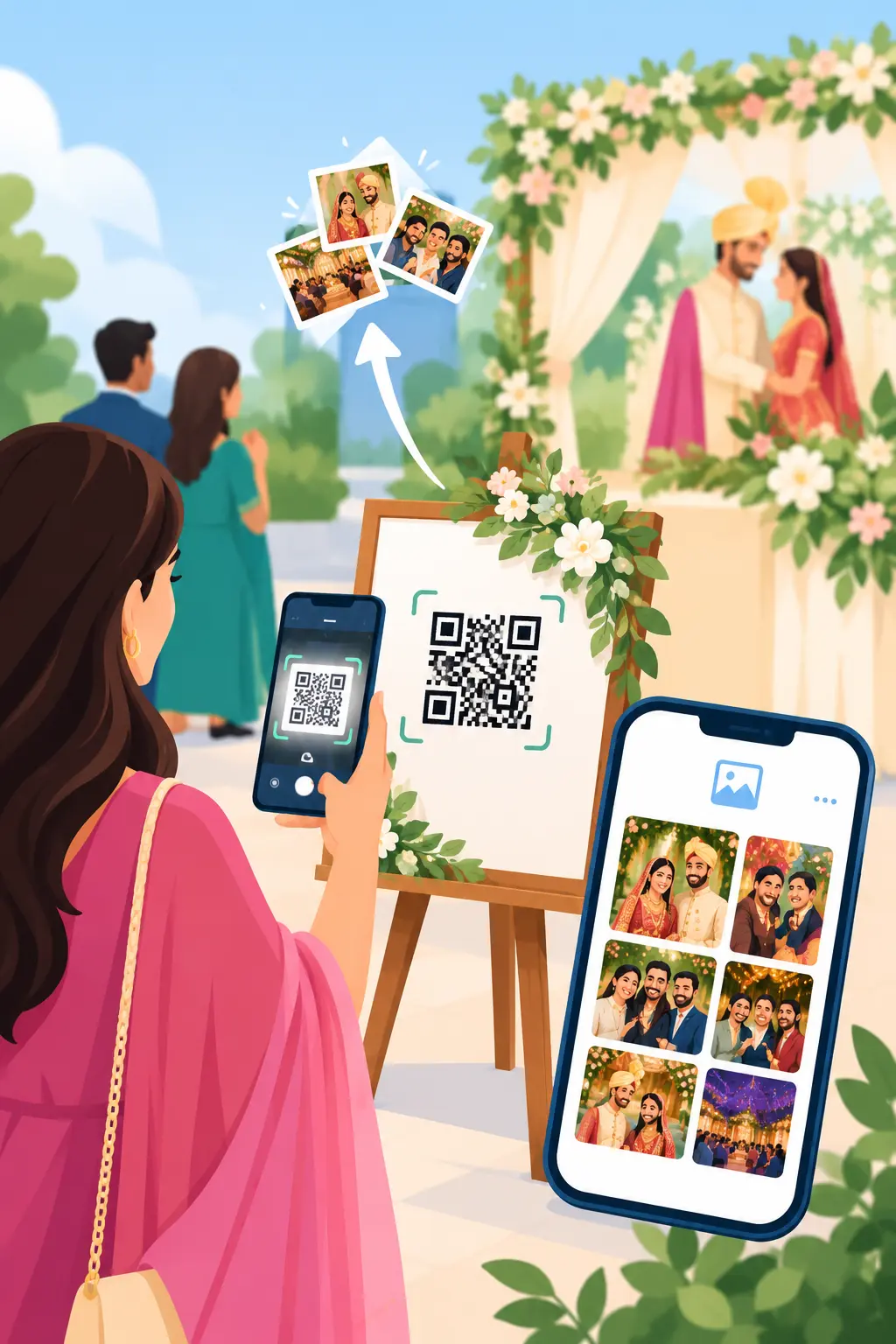
Couples and wedding guests want to view and share event photographs without waiting weeks for sorted albums or digging through chaotic group chats. Implementing qr code photo sharing for weddings directly solves this issue by bridging the gap between professional cameras and guest smartphones instantly. Guests simply scan a tabletop card or venue screen to view a curated gallery, eliminating manual file sorting entirely.
This approach shifts the post-event dynamic from a slow, manual distribution process into an automated, self-service digital experience. By integrating a dedicated instant event photo sharing system, professional photographers can upload images in bulk while attendees instantly discover their personal highlights.
The Core Challenges of Traditional Wedding Photo Delivery
Managing image delivery for multi-day weddings presents serious logistical headaches. A traditional workflow often leaves clients waiting and forces photographers to field endless individual photo requests.
The Problem with Cloud Folders and Chat Apps
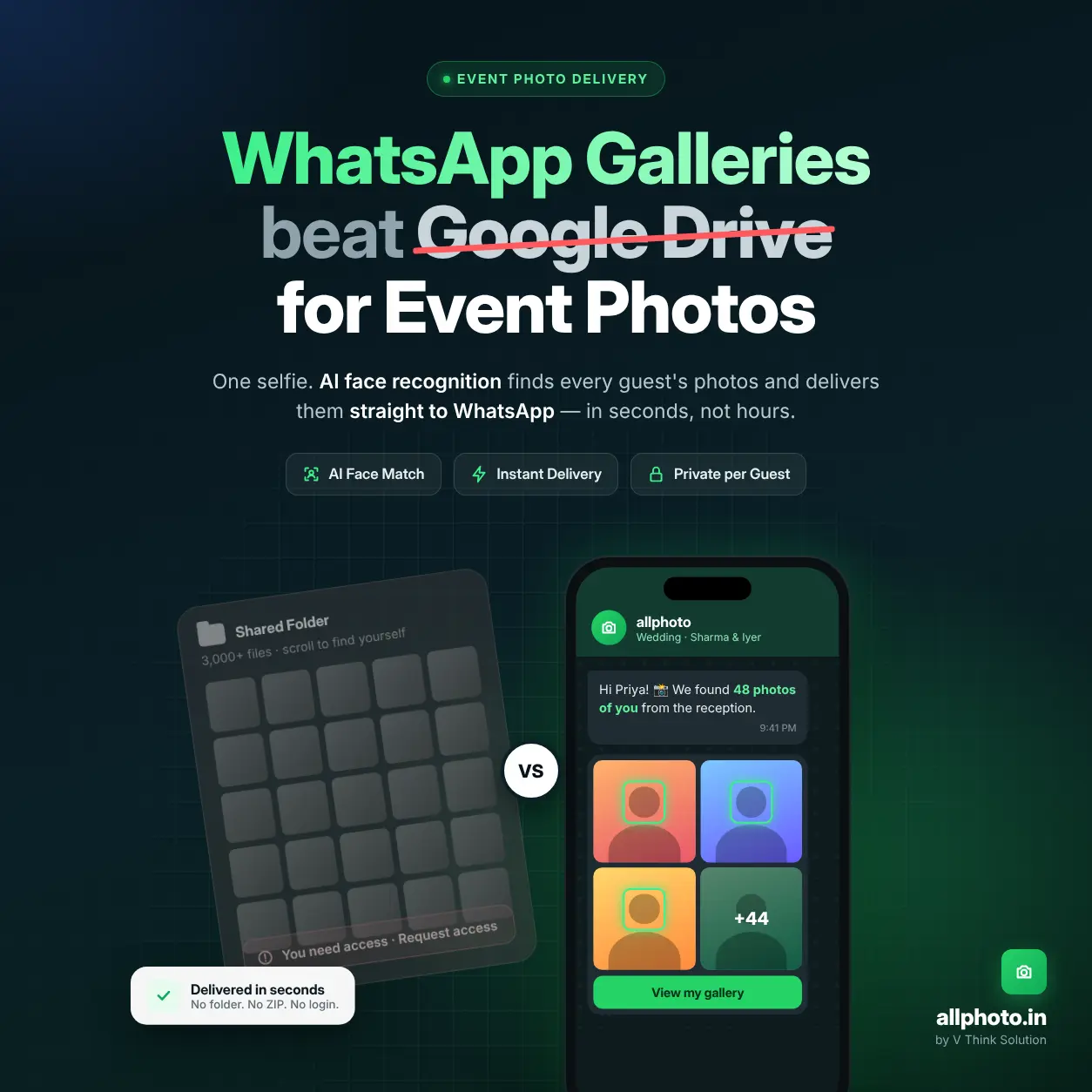
Sending a generic cloud storage link creates a poor user experience. Guests must manually scroll through thousands of files on small mobile screens to find themselves, leading to frustration and fatigue. On the other hand, relying on text messaging apps compresses image quality drastically and scatters files across unorganized chat threads.
Administrative Overhead for Photographers
Photographers often spend days sorting images by family groups, editing individual highlights, and responding to direct messages asking for specific files. This repetitive workflow limits the time available for actual shooting and creative editing.
How an Instant Wedding Photo Delivery App Transforms Events
Modern web applications change the entire delivery dynamic by handling sorting and access through intelligent automation.
[Camera Capture] ➔ [Instant Cloud Upload] ➔ [AI Face Matching] ➔ [QR Code Scan / Selfie Search] ➔ [Personal Guest Gallery]
From Camera to Guest in Real Time
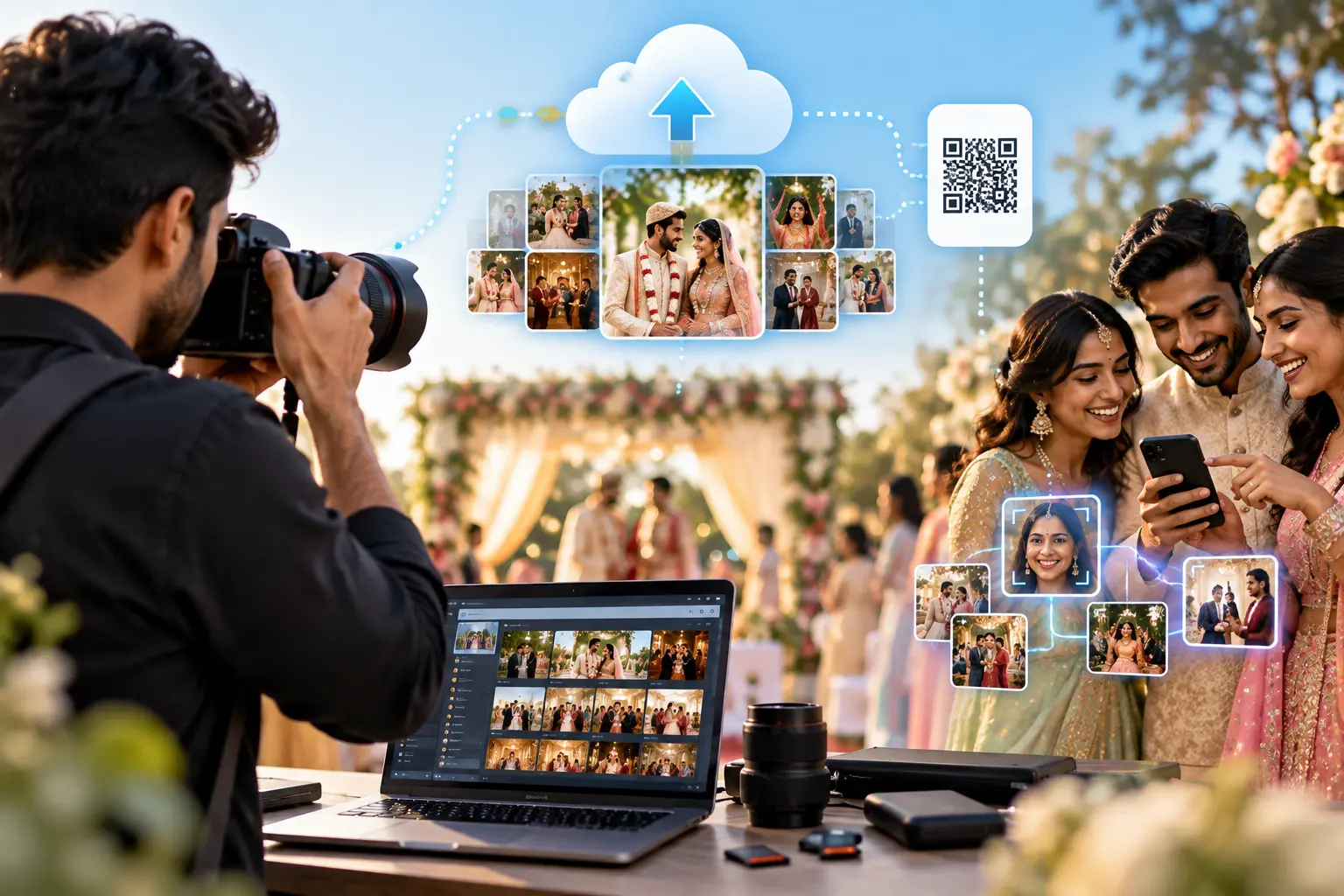
Instead of waiting weeks, photos move systematically through a digital pipeline. The photographer uploads raw or quickly graded images during the reception. The system automatically populates the master album, which is linked directly to a scannable event gallery qr code. Guests scan the code, snap a quick selfie, and let the software filter the gallery to show only images containing their face.
Frictionless App-Free Onboarding
Most event attendees refuse to download new apps at a venue due to storage limits or spotty network coverage. Modern platforms work completely within the native mobile web browser, ensuring that a simple smartphone camera scan opens the gallery instantly.
Step-by-Step Guide: Setting Up a Wedding QR Code Gallery
Deploying a scannable photo delivery ecosystem requires deliberate planning before the wedding day begins.
Step 1: Create Event Dashboard ➔ Step 2: Establish Privacy Gates ➔ Step 3: Print Visual QR Prompts ➔ Step 4: Live File Ingestion
1. Configure the Event Dashboard
Set up a distinct event profile within your chosen wedding photo sharing software. Input the specific event dates, wedding name, and custom branding elements.
2. Establish Privacy Gating
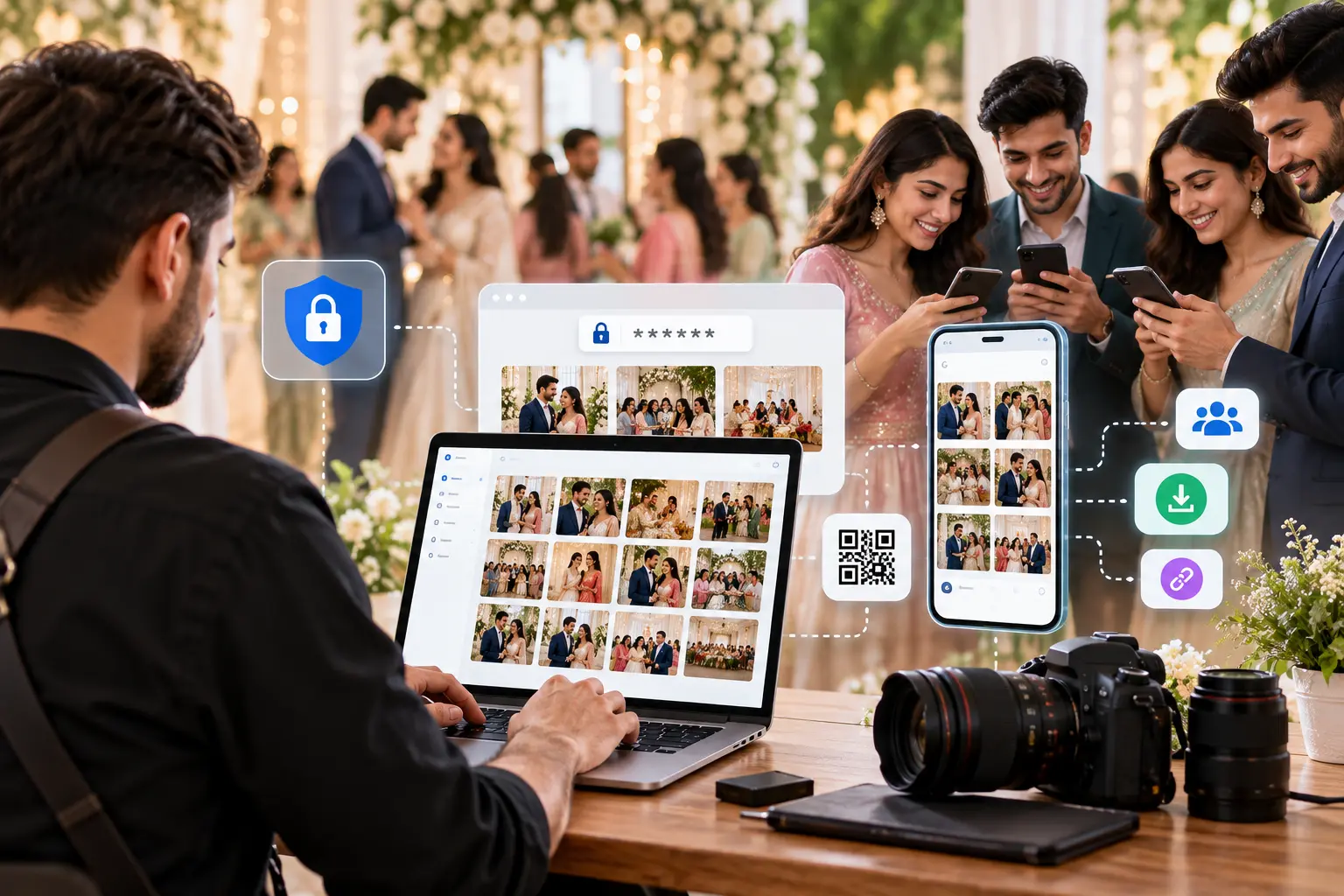
Determine how open the gallery should be. You can choose unlisted access where anyone with the link can view it, or implement strict mobile verification gates to keep files confined to verified attendees. Reviewing a complete private event photo sharing checklist helps secure these folders before sharing links publicly.
3. Print and Deploy the QR Code Signage
Generate high-resolution vector QR graphics from the platform dashboard. Embed these codes onto physical signs placed at highly visible venue points, such as:
- Welcome tables and reception entryways
- Table tent cards next to centerpieces
- The main DJ booth or interactive venue digital displays
- Wedding party favor packaging
4. Live Ingestion and AI Sorting
As the photographer shoots the event, files upload straight to the platform cloud dashboard using wireless camera transfer or fast laptop memory card dumps. The internal ai facial recognition for events instantly maps the unique facial structures across all incoming images.
Comparing Wedding Delivery Workflows
| Delivery Feature | Traditional Cloud Folders | Automated QR + AI Platform |
|---|---|---|
| Guest Access Speed | Several weeks post-event | Instant, live on the wedding day |
| Search Method | Manual scrolling through thousands of photos | Instant search via face recognition selfie |
| Mobile Integration | Clunky interface, requires folder navigation | Built mobile-first for native web browsers |
| File Quality Controls | All or nothing download settings | Choice between compressed HD and printing Ultra HD |
| Photographer Overhead | High; manual culling and individual sorting | Low; upload once, let AI distribute |
Maximizing Guest Engagement and Image Collection
A QR code gallery acts as a central hub for the event's entire visual story, providing mutual value to everyone in attendance.
Encouraging Guest Submissions
Many modern platforms allow two-way interaction. Guests can scan the QR code to view professional photos and simultaneously upload their own phone snaps into a community folder. This gathers diverse candid angles that the main photographer might miss.
Delivering Crisp, High-Resolution Media
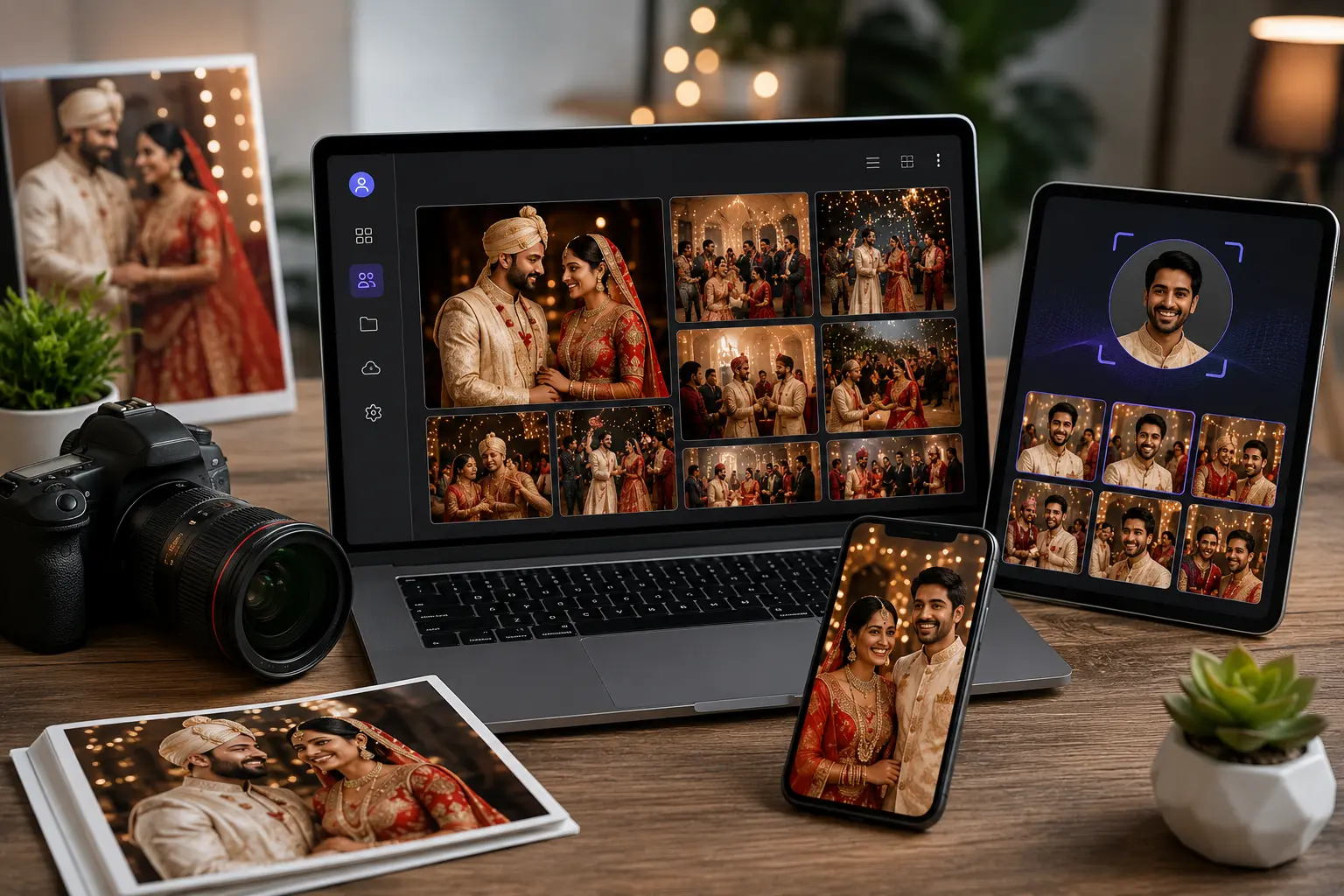
A major downside of instant sharing is image degradation. Dedicated delivery platforms allow guests to grab lightweight HD versions for instant social media posting, while keeping full-resolution files safe for high-quality printing. To explore commercial storage caps and tiers for high-volume studios, photographers can check out current platform pricing plans.
Core Privacy and Data Security Measures
Handling biometric signatures requires clear transparency and reliable data practices to keep everyone safe.
Biometric Privacy
When guests use an instant wedding photo delivery app, their verification selfies should turn into temporary mathematical face vectors. These face signatures must only be used to scan the current wedding folder and should never be stored long-term or shared with third-party advertisers.
Smart Content Moderation
Because thousands of files pass through these systems, a good platform needs tools to handle sensitive images. The couple and the photographer should have master admin rights to instantly hide specific photos or remove misidentified frames if a guest submits a removal request.
Frequently Asked Questions
1.Do wedding guests need to download a mobile application to view photos?
No, the QR code points directly to a mobile-optimized web gallery. Guests scan the code with their smartphone camera and access the gallery instantly through their native web browser.
2.Is facial recognition accurate in low-light wedding receptions?
Yes, modern algorithms look past dark venue lighting, shadows, and angle changes. The system successfully matches faces even when guests are wearing glasses or looking away from the camera.
3.Can we password-protect a wedding QR code gallery?
Yes, security layers can be customized easily. You can keep the gallery open for quick scanning or require guests to enter a specific password or verify their mobile number before viewing the photos.
Conclusion
Implementing QR code photo sharing transforms wedding photo delivery by shifting from a slow, manual process to an automated, self-service digital experience. It removes the stress of post-event file organization for photographers while giving couples and guests immediate access to their memories. By utilizing dedicated galleries, scannable venue signage, and intelligent face matching, every attendee can find their personal highlights within seconds. The outcome is a streamlined workflow that lets photographers focus completely on their craft while delivering a modern, high-quality experience for their clients.