Introduction
Delivering 5,000 or more event photos doesn't have to mean sending a huge Google Drive or Dropbox folder and answering dozens of messages from guests who cannot find their pictures.
For photographers, instant event photo delivery for photographers is about making the entire experience easier: upload the event photos, give guests simple access, and help them find relevant images without manually searching through thousands of files.
This becomes especially useful at weddings, corporate events, marathons, college functions, concerts, and large celebrations where hundreds of people may be looking for their own photographs.
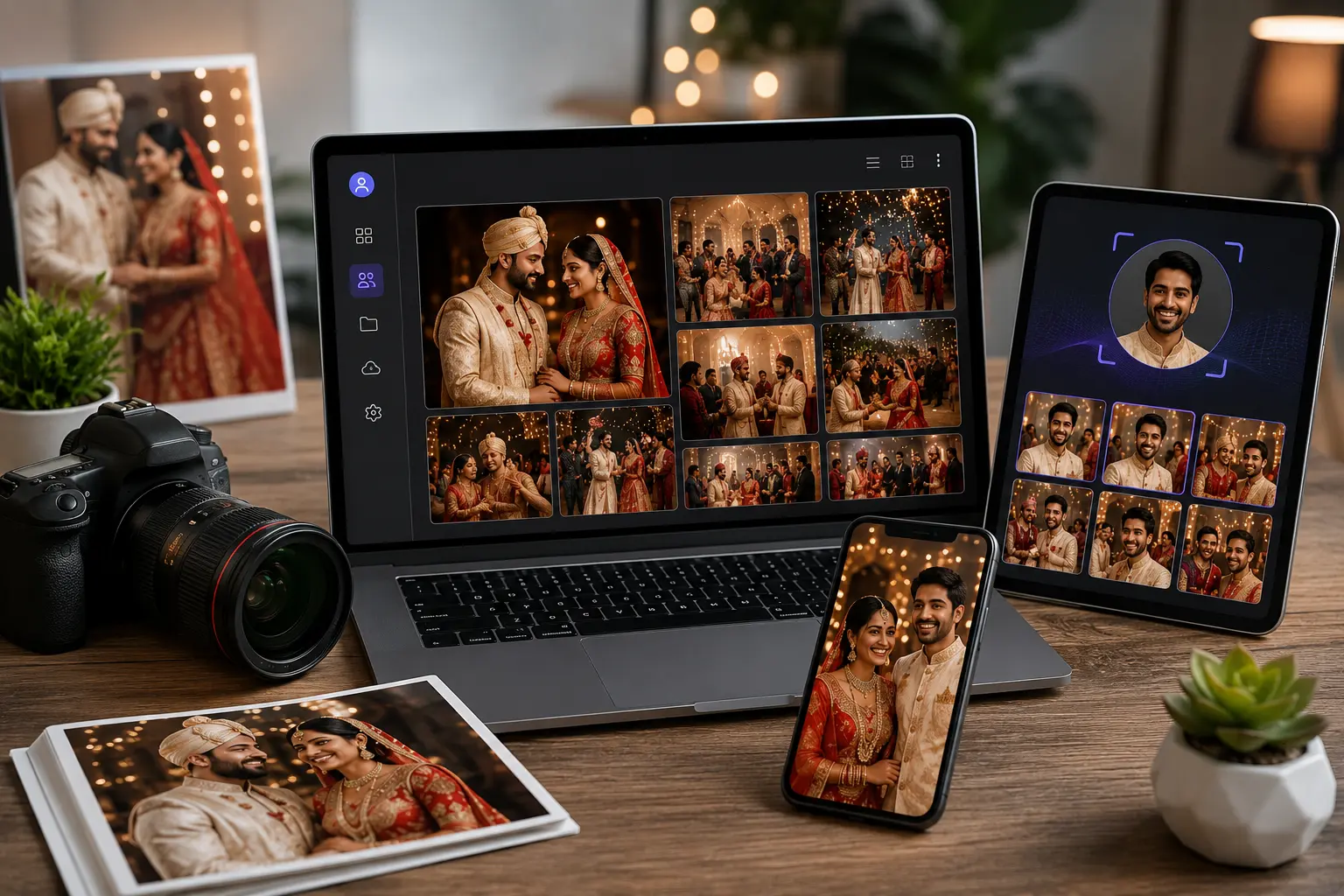
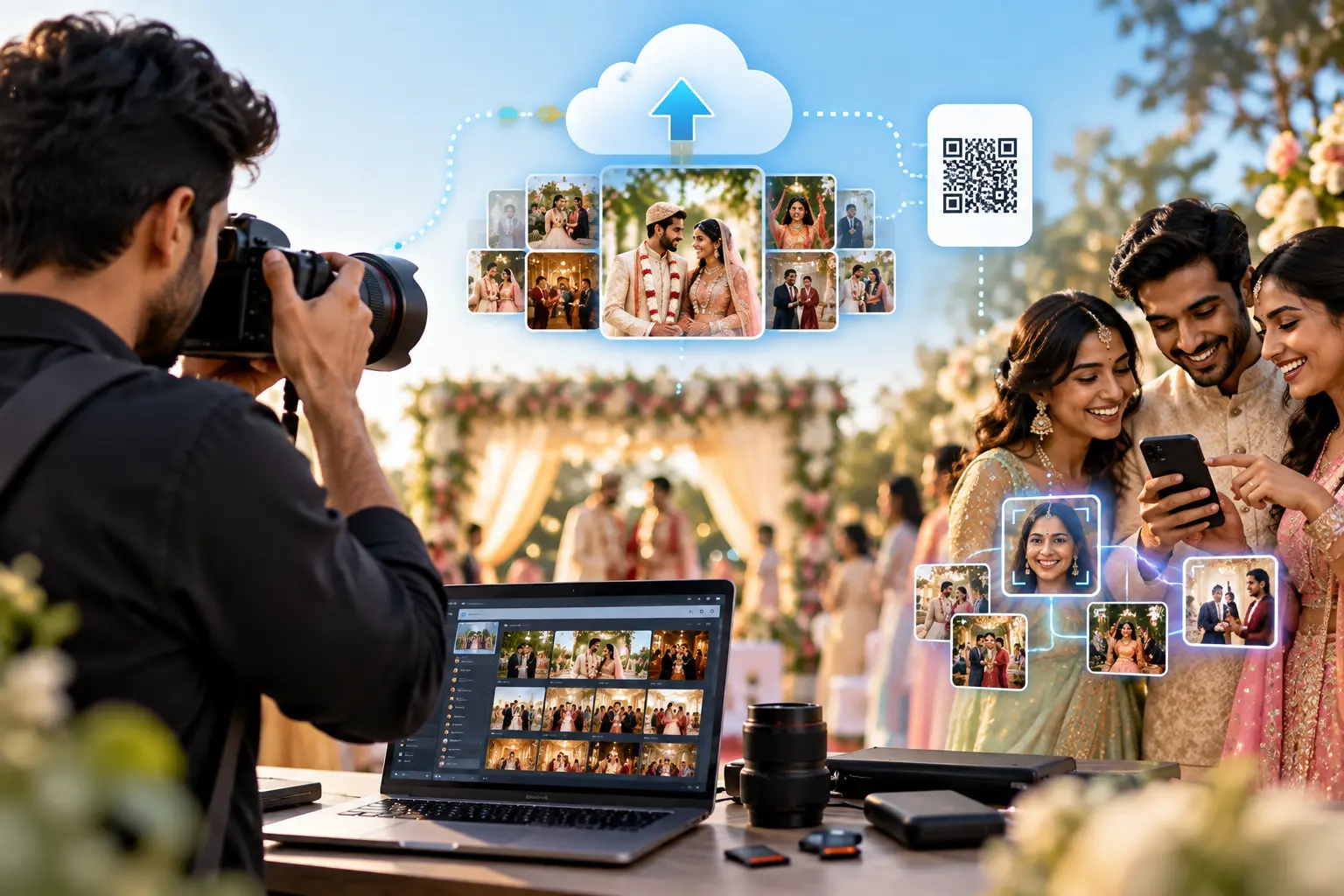
A modern photo-sharing workflow can combine online galleries, QR codes, mobile access, and face recognition photo sharing to make photo discovery much faster.
Why Delivering Thousands of Event Photos Is Difficult
Taking photographs is only one part of an event photographer's job.
After the event, there is often another long list of tasks:
- Selecting and editing images
- Organizing thousands of files
- Uploading large image collections
- Creating galleries
- Sending links to clients
- Responding to individual photo requests
- Helping guests locate their images
- Managing downloads
A Google Drive or Dropbox folder can be useful for file storage, but storage and photo discovery are two different problems.
Imagine a wedding with 5,000 photos and 600 guests.
A guest might receive a gallery link and think:
"Where are my photos?"
Scrolling through thousands of images isn't a great experience on a phone.
This is where a dedicated fast gallery delivery tool can change the workflow.
What Is Instant Event Photo Delivery?
Instant event photo delivery means making event photographs available to guests as quickly and conveniently as the photographer's workflow allows.
The exact delivery speed depends on factors such as:
- Internet connection
- Upload speed
- Image size
- AI processing
- Editing workflow
- Number of photographs
- Platform infrastructure
So "instant" does not necessarily mean every final edited photograph appears immediately after the camera captures it.
The more useful idea is reducing unnecessary waiting between photography, uploading, and guest access.
A modern workflow might look like:
Capture → Edit → Upload → Process → Gallery → Guest Access
Instead of:
Capture → Edit → Create folders → Upload → Send links → Answer requests → Manually find photos
That difference can save considerable administrative time.
How to Deliver 5,000+ Event Photos Without Google Drive
You don't necessarily need to abandon cloud storage completely. The key is choosing the right tool for the delivery experience.
Step 1: Organize the Event
Before uploading, separate the event logically.
For example:
- Mehndi
- Haldi
- Sangeet
- Wedding Ceremony
- Reception
- Candid Moments
- Family Portraits
Good organization helps photographers manage the gallery and makes the collection easier for clients to understand.
Step 2: Upload to an Online Gallery
Instead of giving guests access to a raw storage folder, use a dedicated online event gallery.
A gallery can present photographs in a cleaner interface designed specifically for viewing and sharing images.
Step 3: Give Guests Easy Access
A QR code event gallery can make this particularly simple.
Display the QR code at:
- Wedding entrances
- Reception areas
- Event tables
- Registration counters
- Venue screens
Guests scan the code using their phones and open the event gallery.
Step 4: Let Guests Search
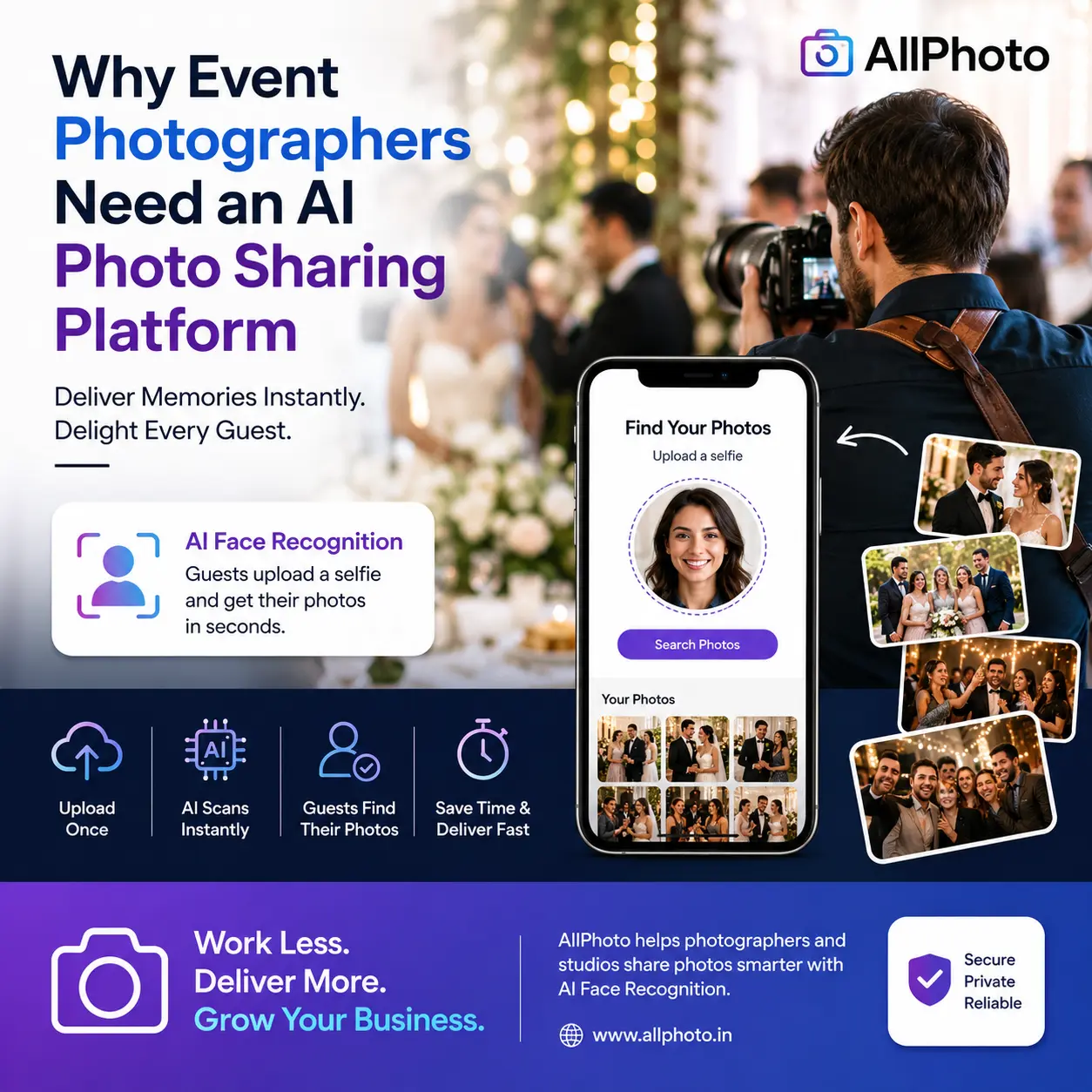
If the platform supports face recognition photo sharing, guests can use a suitable selfie to search for photographs in which they appear.
This is especially helpful when the gallery contains thousands of images.
Step 5: Download and Share
Once guests find their photographs, they can select, download, or share them according to the gallery's available options.
Face Recognition Photo Sharing: Why It Matters
Traditional galleries make guests search by browsing.
Face-based photo search changes the question from:
"Which folder contains my photo?"
to:
"Can the system find the photos I appear in?"
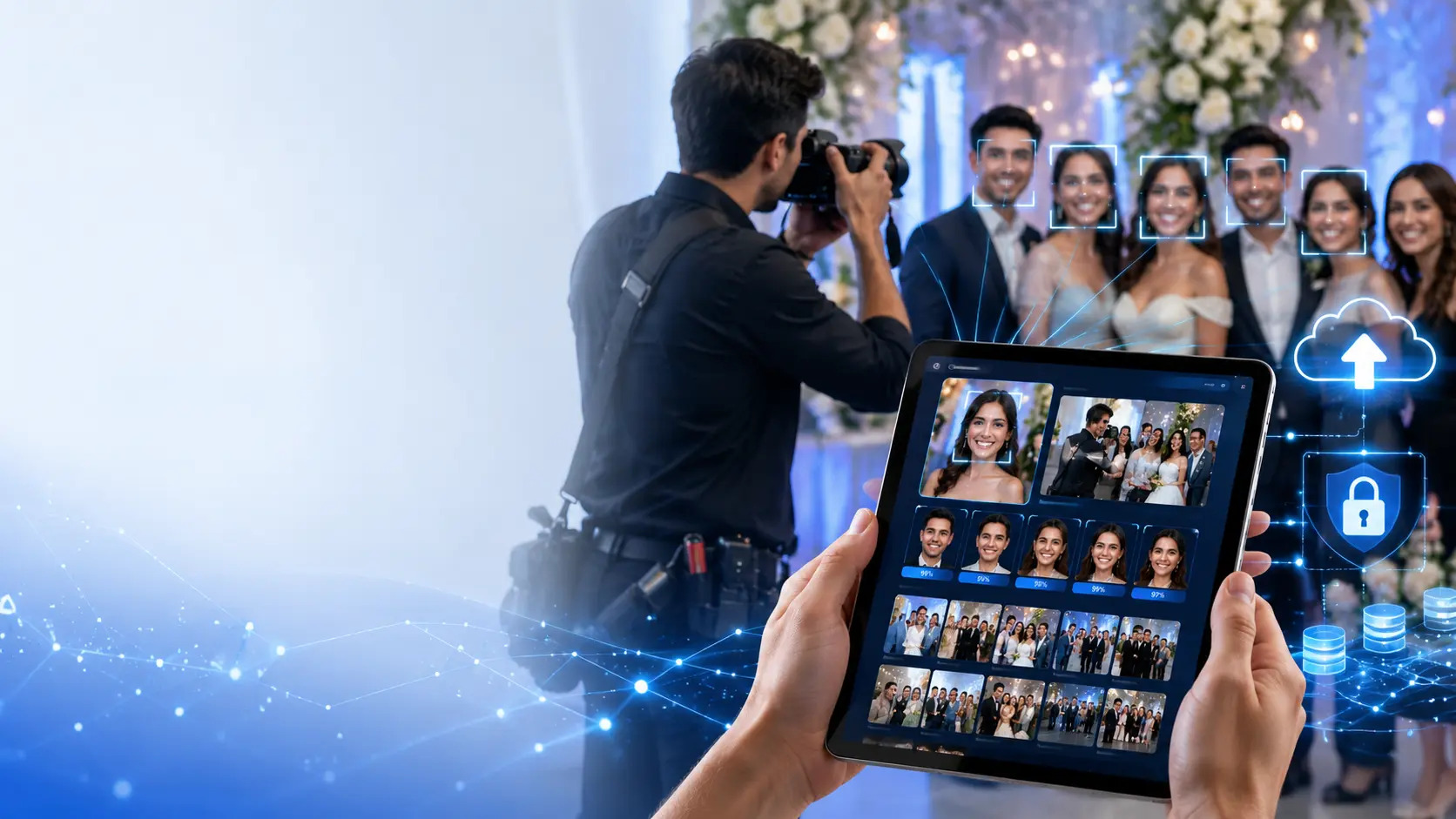
A facial recognition system can analyze faces in an event gallery and compare them with a user's search image.
For example:
A photographer uploads 8,000 wedding photos.
A guest searches using a clear selfie. Instead of manually opening hundreds of images, the system can return photographs that match the guest's face.
This can be particularly useful for:
- Large weddings
- Corporate conferences
- Marathons
- School events
- College festivals
- Concerts
- Public celebrations
Privacy Still Matters
Facial recognition involves sensitive personal information in many jurisdictions.
Photographers and event organizers should understand the platform's privacy practices, explain how the feature works where appropriate, and make sure access to event photographs is properly controlled.
AI should make photo discovery easier without treating privacy as an afterthought.
QR Code Event Gallery Makes Access Easier
One of the simplest ways to improve event photo sharing is to remove unnecessary steps.
A guest shouldn't have to remember a complicated website address.
A QR code event gallery can provide direct access.
Example
At a wedding reception, a small display could say:
Find Your Wedding Photos
Scan the QR code to open the event gallery.
The guest scans the code.
The gallery opens on their phone.
From there, they can browse or use available photo-search features.
This approach works well because smartphones and QR scanning are already familiar to most event attendees.
Why a Fast Gallery Delivery Tool Helps Photographers
A dedicated delivery platform can address several problems at once.
Less Manual Searching
Photographers don't have to repeatedly search their folders every time someone asks for a photograph.
Better Mobile Experience
Guests are more likely to use the gallery when it works smoothly on a smartphone.
Easier Event Access
QR codes provide a simple way to distribute the gallery during or after an event.
Better Organization
Photographers can keep event images inside a structured gallery instead of relying entirely on generic storage folders.
More Convenient Sharing
Guests can discover photographs and share selected memories with friends and family.
For photographers handling multiple events each month, these small workflow improvements can add up.
Google Drive vs Dedicated Photo Sharing
Google Drive and Dropbox are useful storage tools. But photographers should distinguish file storage from photo delivery.
| Feature | Google Drive / Dropbox | Dedicated Photo Sharing |
|---|---|---|
| File Storage | ✅ | ✅ |
| Online Gallery Experience | Limited | ✅ |
| Face-Based Photo Search | Usually not the main workflow | Available on supported platforms |
| QR Code Gallery Access | Requires setup | Available on supported platforms |
| Guest Photo Discovery | Mostly manual | More automated |
| Photographer-Focused Workflow | General-purpose | Photography-focused |
| Mobile Photo Browsing | Basic file browsing | Gallery-focused |
| Personalized Discovery | Limited | Available on supported platforms |
The right option depends on the photographer's workflow.
For simple file delivery, cloud storage may be enough. For large events where photo discovery and guest experience matter, a dedicated photo-sharing platform can be more suitable.
A Practical 5,000-Photo Wedding Example
Let's take a realistic scenario.
A wedding photographer captures 5,000 photographs across two days.
Traditional workflow
The photographer:
- Edits the photographs.
- Uploads them to cloud storage.
- Sends the link to the couple.
- Guests open the folder.
- Guests manually scroll through images.
- Some guests message the photographer asking for specific photos.
The photographer now spends additional time helping guests.
Modern workflow
The photographer:
- Edits the photographs.
- Uploads them to an online gallery.
- Shares the gallery using a link or QR code.
- Guests open the gallery on their phones.
- Supported AI search helps guests find relevant photographs.
- Guests download or share their selected images.
The difference isn't just technical.
It changes who performs the searching.
Instead of the photographer being responsible for finding every individual photograph, the gallery can give guests tools to discover their own memories.
Improve Your Photographer Workflow
Technology works best when it fits into an existing workflow rather than creating another complicated system.
A practical workflow could be:
Before the Event
- Prepare the event gallery.
- Create the QR code.
- Test mobile access.
- Explain the photo-search process to the event team.
During the Event
- Capture and upload according to your workflow.
- Keep event categories organized.
- Display the gallery QR code when appropriate.
After the Event
- Complete editing.
- Upload final photographs.
- Check gallery quality.
- Share the final gallery with the client.
This keeps the photographer focused on photography instead of spending the entire post-event period managing file requests.
For photographers interested in the broader technology behind this workflow, an AI photo sharing app for photographers can be a useful related topic.
Where Instant Event Photo Delivery Works Best
1.Weddings
Guests can access photographs from ceremonies, receptions, and other wedding functions.
2.Corporate Events
Companies can provide employees, speakers, and attendees with easier access to event photographs.
3.Sports Events
Participants often want to locate their own race or action photographs without browsing an enormous gallery.
4.Schools and Colleges
Students can find photographs from annual functions, festivals, sports days, and cultural events.
5.Concerts and Festivals
Large audiences create a strong need for fast and simple photo discovery.
For photographers working across different event types, the same basic delivery principles can apply.
What to Look for in an Event Photo Delivery Platform
Before choosing a platform, look beyond the word "AI."
Check whether it actually solves your daily workflow problems.
Important features include:
- Large gallery support
- Mobile-friendly interface
- Fast photo delivery
- AI face recognition
- Face search for photos
- QR code access
- Secure galleries
- High-resolution downloads
- Easy photo sharing
- Simple gallery management
- Reliable upload and processing
- Clear privacy controls
A useful platform should reduce friction rather than simply add more technology.
Related Photo Sharing Workflows
The same concept can be applied to different types of photography businesses.
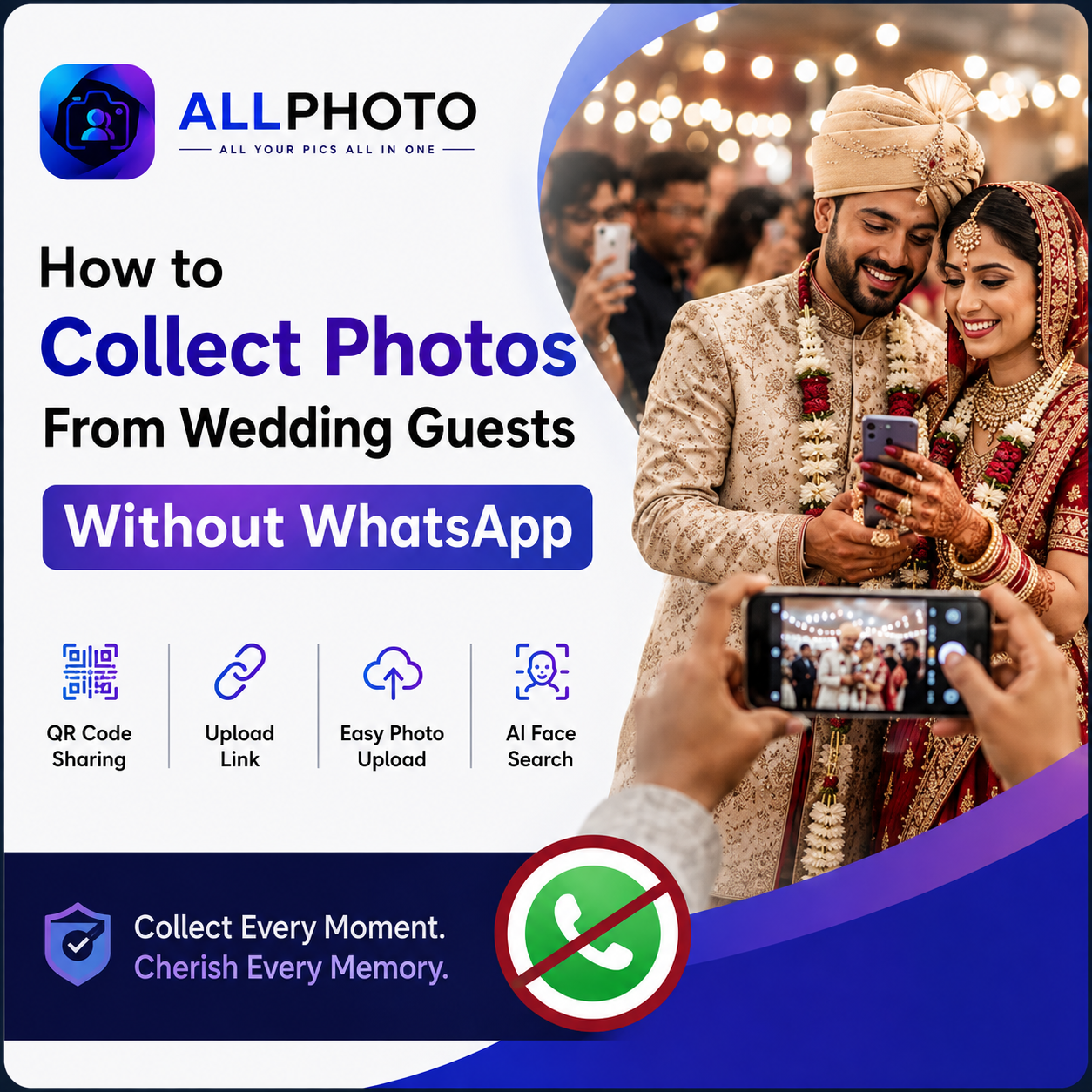
Photographers who want to improve how they collect and manage guest-generated content can also explore how to collect photos from wedding guests without WhatsApp.
For photographers building a more complete digital workflow, a photo app for photographers can help connect photo management and delivery requirements.
Corporate and sports photographers can apply similar ideas through dedicated corporate photo sharing and sports event photo sharing workflows.
Common Mistakes Photographers Should Avoid
Even with modern software, a few mistakes can make photo delivery frustrating.
1. Uploading Without Testing
Always test the gallery from a guest's perspective before sharing it widely.
2. Ignoring Mobile Users
Most event guests will access photographs from smartphones. Desktop-only thinking can create unnecessary friction.
3. Using Poor Search Photos
Face-based search works better when users provide a clear, front-facing image.
4. Forgetting Privacy
Make sure guests understand how the gallery and any face-search feature works.
5. Promising Unrealistic Delivery Times
Delivery depends on upload speed, processing, editing, and the actual event workflow. Be clear about what "instant" means for your service.
Frequently Asked Questions
1.How can photographers deliver 5,000+ event photos quickly?
A dedicated online photo-sharing platform can simplify large-gallery delivery by combining cloud storage, organized galleries, mobile access, and search features. Delivery speed still depends on upload, processing, editing, and internet conditions.
2.What is face recognition photo sharing?
It is a photo-sharing approach where facial recognition helps users search an event gallery for photographs in which they appear. It can be useful for large events containing thousands of images.
3.How does a QR code event gallery work?
The photographer creates a QR code connected to the event gallery. Guests scan it with their phone and can access the available photographs without manually typing a long web address.
4.Is a dedicated photo-sharing platform better than Google Drive?
It depends on the use case. Google Drive is useful for general file storage, while a dedicated photo-sharing platform can provide a more photography-focused gallery, guest discovery, and delivery experience.
Conclusion
Delivering thousands of event photographs is no longer only a storage problem. It is a photo discovery and user-experience problem.
For photographers, instant event photo delivery can become much more practical when online galleries, QR codes, mobile access, and AI-powered search work together.
Instead of asking guests to scroll through 5,000 images or repeatedly asking the photographer to find individual photographs, a well-designed delivery workflow can put more control in the guest's hands.
The best setup depends on the type of event, editing process, gallery size, privacy requirements, and delivery expectations. The goal should be simple: capture great photographs, deliver them efficiently, and make those memories easy for people to find.