Introduction
Your wedding day is filled with moments you will want to remember forever. While a professional photographer captures the main events, your guests capture a completely different side of the celebration.
A friend may capture a funny dance moment. A family member may take a candid photograph of the bride and groom. Someone may record a behind-the-scenes moment that the professional photographer never saw.
These guest photos can become some of the most valuable memories from the wedding.
But there is one common problem: How do you collect all these photos from your wedding guests?
For years, couples have relied on WhatsApp groups and individual messages. However, when hundreds of guests start sharing photos, WhatsApp can quickly become difficult to manage. Photos get buried in conversations, quality may be reduced, and important memories can become scattered across different chats.
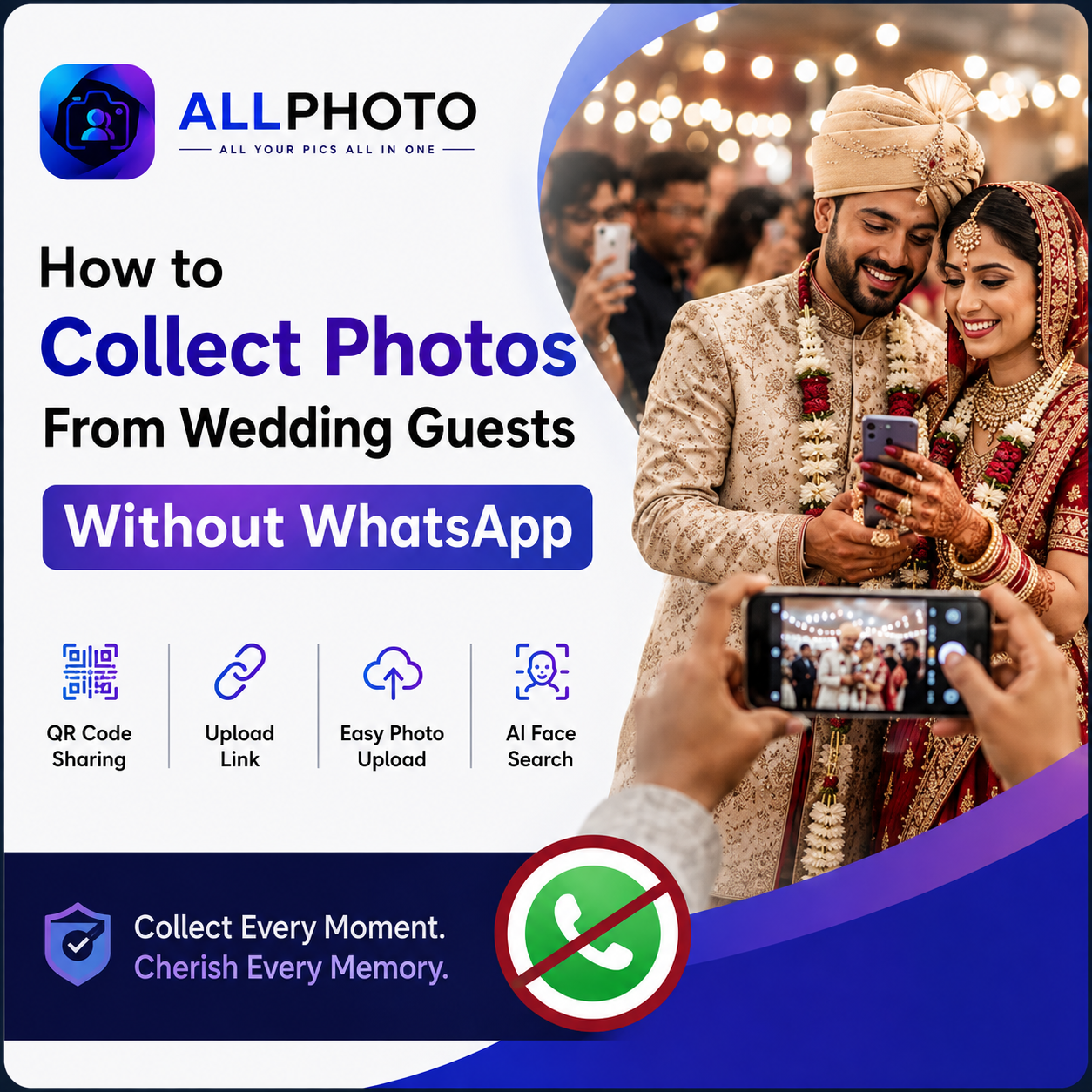
The good news is that you don't need WhatsApp to collect wedding photos.
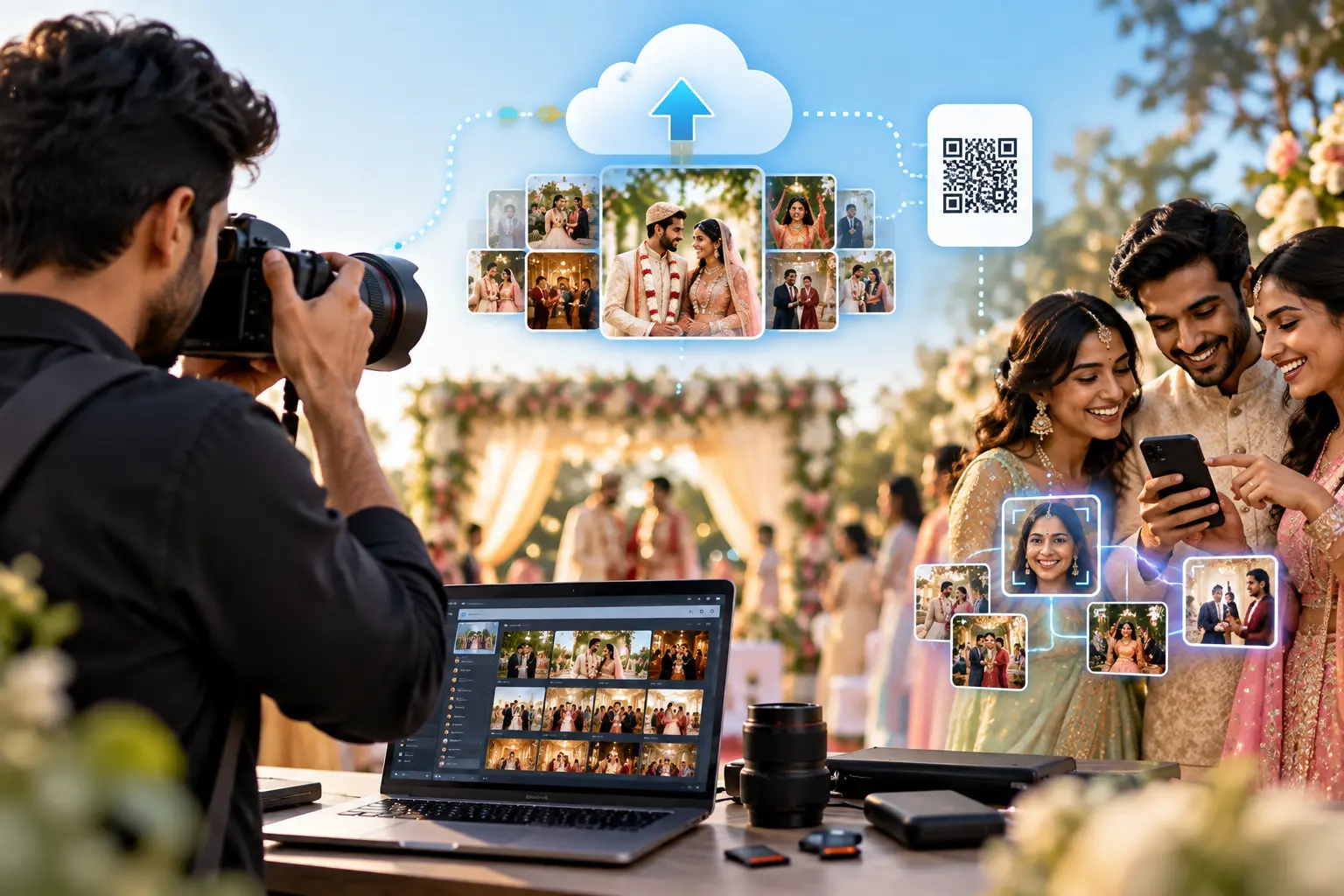
Modern wedding photo-sharing platforms allow couples and photographers to collect guest photos through QR codes, upload links, online galleries, and even AI-powered face recognition.
Let's explore how it works and why it can be a better alternative to traditional photo sharing.
Why Collect Photos From Wedding Guests?
Professional wedding photography captures the planned and important moments of your celebration. Guest photography adds something different: real, spontaneous moments.
Guests may capture:
- Candid family moments
- Friends enjoying the wedding
- Dance-floor memories
- Couple selfies
- Behind-the-scenes moments
- Funny and unexpected situations
- Photos of wedding decorations
- Traditional ceremonies
- Group photos
- Moments before and after the main ceremony
Collecting these photos gives couples a more complete story of their wedding day.
Instead of relying only on the photographer's perspective, you get memories captured from the perspective of everyone who attended.
Why WhatsApp Isn't Ideal for Collecting Wedding Photos
WhatsApp is excellent for communication, but it wasn't designed to function as a professional event photo collection platform.
Photos Get Buried in Conversations
Wedding WhatsApp groups can become extremely active.
Messages, videos, stickers, greetings, and photos continuously push older content upward. After the wedding, finding a specific photo can become surprisingly difficult.
Photos Can Become Scattered
One guest may send photos directly to the bride. Another may send them to the groom. Others may share them in family groups.
Instead of having one complete collection, your wedding photos end up spread across multiple conversations.
Large Groups Can Be Difficult
If a wedding has hundreds of guests, creating a large WhatsApp group just for photo sharing can become inconvenient.
Some guests may also prefer not to join another group.
Photo Quality May Not Be Ideal
Depending on how images are shared, messaging platforms can compress photos.
When you're preserving important wedding memories, having access to high-quality images is valuable.
Finding Photos Later Is Difficult
Even if guests successfully send hundreds of photos, searching through a long conversation to find a specific person or moment isn't an efficient photo-management system.
This is where a dedicated photo-sharing solution can make a major difference.
How to Collect Photos From Wedding Guests Without WhatsApp
The easiest approach is to use a dedicated wedding photo-sharing platform that allows guests to upload photos directly to a central online gallery.
Here's how the process works.
Step 1: Create a Wedding Photo Gallery
Start by creating a dedicated online gallery for your wedding.
You can create separate galleries or albums for different events, such as:
- Engagement
- Mehndi
- Haldi
- Sangeet
- Wedding Ceremony
- Reception
- After Party
This gives you one central location for collecting and viewing your wedding memories.
Step 2: Create a Simple Upload Link
Once your gallery is ready, provide guests with an easy photo-upload link.
The upload page should be mobile-friendly because most guests will be using their smartphones.
Ideally, guests should only need to:
- Open the link
- Select their photos
- Upload them
- Finish
A simple process means more guests are likely to participate.
Step 3: Generate a QR Code
A QR code makes photo sharing even easier.
Instead of asking guests to type a website address, they can simply open their phone camera and scan the QR code.
The QR code can take them directly to the wedding photo-upload page.
This is particularly useful during the wedding because guests already have their smartphones with them.
Step 4: Display the QR Code at the Wedding
Don't place the QR code in only one location.
Display it in multiple high-visibility areas, such as:
- Wedding entrance
- Reception desk
- Dining tables
- Guest seating areas
- Photo booth
- Wedding stage
- Event screens
- Wedding signage
You can also include the QR code in digital wedding invitations.
Step 5: Add a Clear Call-to-Action
A QR code by itself may not be enough.
Give guests a reason to scan it.
For example:
Captured a special moment? Share it with the couple!
Other options include:
Your Camera Roll Has Wedding Memories We Don't Have. Share Them Here.
or
Take. Capture. Share. Make the Memories Complete.
A simple, friendly message can encourage more guests to participate.
Step 6: Let Guests Upload Photos
Guests can now upload the photos they captured during the wedding.
They don't need to send individual messages or search for a WhatsApp group.
The photos go directly into the event's digital collection.
Guests can contribute:
- Photos
- Candid moments
- Selfies
- Group photos
- Short videos, if supported by the platform
This allows the wedding gallery to grow throughout the event.
Step 7: Organize All Photos in One Place
Instead of checking WhatsApp, email, cloud folders, and individual phones, you have one centralized photo collection.
This makes it easier for the couple and photographer to access the memories later.
A dedicated gallery can also make it easier to organize photos by event, date, or other available categories.
Step 8: Use AI to Help Guests Find Their Photos
This is where modern AI-powered photo-sharing platforms can provide an additional advantage.
Imagine that 300 guests collectively upload thousands of wedding photos.
Finding your own photos manually could take hours.
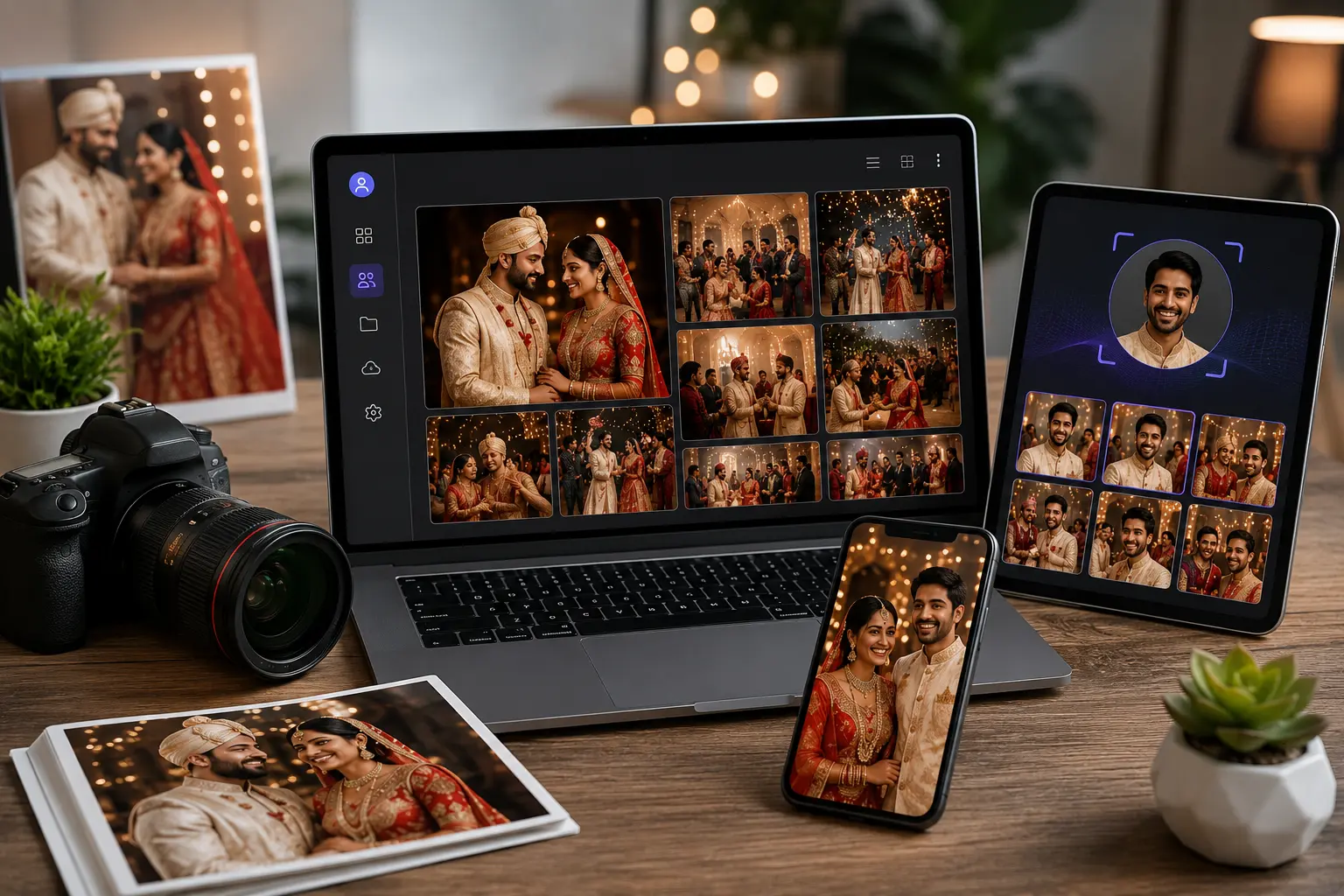
With AI face recognition, guests can potentially use a selfie or face-search feature to discover photos in which they appear.
Instead of scrolling through thousands of images, they can quickly find their own memories.
This creates a much more personalized experience for every guest.
Benefits of Collecting Wedding Photos Without WhatsApp
Using a dedicated photo-sharing platform offers several advantages.
1. One Centralized Gallery
All guest photos can be collected in one organized location.
2. Easy Guest Participation
Guests can scan a QR code and upload photos without joining a WhatsApp group.
3. Faster Photo Collection
Photos can be collected during the wedding rather than waiting weeks for guests to send them.
4. Better Organization
Instead of searching through conversations, the couple has a dedicated wedding photo collection.
5. Better Guest Experience
Guests aren't just attending the wedding—they can actively contribute to the digital memory collection.
6. AI-Powered Photo Discovery
Face recognition can help guests find photos of themselves quickly.
7. Easy Sharing
The wedding gallery can be shared with family and friends through a dedicated link, depending on the platform.
Tips to Get More Guests to Share Wedding Photos
Creating a photo-upload system is only the first step. You also need to encourage guests to use it.
Keep the Upload Process Simple
Avoid complicated registration forms and unnecessary steps.
The faster guests can upload their photos, the better.
Place QR Codes in Multiple Locations
A guest may not notice a QR code at the entrance but could notice one on their dining table.
Use multiple locations throughout the venue.
Make the Message Fun
Instead of a technical instruction such as "Upload Photos," make it personal.
For example:
“You captured it. We want it. Share your favorite wedding moments!”
Ask the Host to Announce It
The wedding host or photographer can make a short announcement asking guests to share their favorite photos.
Add It to Digital Invitations
Share the photo-upload link before the wedding so guests know about it in advance.
Remind Guests During the Event
A reminder after the ceremony or during the reception can encourage guests to upload the photos they have already captured.
Why Wedding Photographers Should Offer Guest Photo Sharing
Wedding photographers already play an important role in preserving a couple's memories.
However, modern couples increasingly expect more than traditional photography.
Offering a wedding photo-sharing platform can help photographers create a more complete digital experience.
Photographers can provide features such as:
- Private event galleries
- Guest photo uploads
- QR-code photo collection
- Instant photo sharing
- AI-powered face search
- Mobile-friendly galleries
- Centralized event memories
Guest-generated content doesn't replace professional photography. Instead, it complements it.
The photographer captures the professionally planned moments, while guests capture the spontaneous moments happening around them.
Together, they tell a much richer story.
The Future of Wedding Photo Sharing
Wedding photo sharing is moving beyond traditional messaging apps and cloud folders.
Today's couples want their memories to be:
- Instant
- Organized
- Easy to access
- Easy to share
- Interactive
- Personalized
AI is also changing how people discover photos.
Instead of manually searching through thousands of images, guests can use intelligent search features to find relevant photographs.
This makes an online wedding gallery more than a storage location. It becomes an interactive digital experience for everyone who attended the celebration.
Conclusion
Collecting photos from wedding guests doesn't have to mean creating a WhatsApp group and asking everyone to send their pictures.
A dedicated wedding photo-sharing platform provides a simpler and more organized alternative.
With QR codes, direct upload links, online galleries, and AI-powered face recognition, couples can collect guest photos during the wedding and keep all their memories together in one place.
The process is simple:
Create the gallery → Share the QR code → Guests upload photos → Photos are organized → Guests discover their memories.
Professional photographers capture the wedding from their perspective.
Guests capture the moments in between.
When you bring both together, you get the complete story of your wedding day.
Frequently Asked Questions (FAQs)
1. How can I collect photos from wedding guests without WhatsApp?
You can use a dedicated wedding photo-sharing platform that provides an online gallery and guest upload functionality. Guests can upload photos using a direct link or QR code.
2. What is the easiest way for wedding guests to share photos?
A QR code connected to a mobile-friendly upload page is one of the easiest options. Guests can scan the code and upload photos directly from their smartphones.
3. Can I use a QR code to collect wedding photos?
Yes. A QR code can be connected to your wedding gallery or upload page. You can display it around the wedding venue so guests can easily access it.
4. Do guests need to install an app?
Not necessarily. Many modern photo-sharing platforms provide browser-based access, allowing guests to upload photos directly from their smartphones.
5. Can AI help guests find their wedding photos?
Yes. Platforms that offer AI-powered face recognition can allow guests to use a selfie or face-search feature to find photos in which they appear.
6. Why is a wedding photo-sharing platform better than WhatsApp?
A dedicated platform is designed specifically for photo collection and sharing. It provides a centralized gallery, easier organization, QR-code access, and potentially AI-powered photo discovery.
7. Can photographers use a wedding photo-sharing platform?
Yes. Wedding photographers can use these platforms to provide couples with an enhanced photo experience that combines professional photography with guest-generated content.
8. How can I encourage guests to upload more photos?
Use QR codes around the venue, provide clear instructions, use engaging messages, and ask the wedding host or photographer to remind guests to upload their favorite moments.
9. Can guests upload photos during the wedding?
Yes. Guests can upload photos during the event using their smartphones, allowing the wedding photo collection to grow in real time.
10. Is AI-powered photo sharing useful for large weddings?
Yes. AI-powered face recognition can be particularly useful for large weddings where hundreds or thousands of photos may be collected. It can make it easier for guests to discover photos featuring themselves.
VISIT-