Why WhatsApp-Integrated Galleries Beat Google Drive for Event Photos
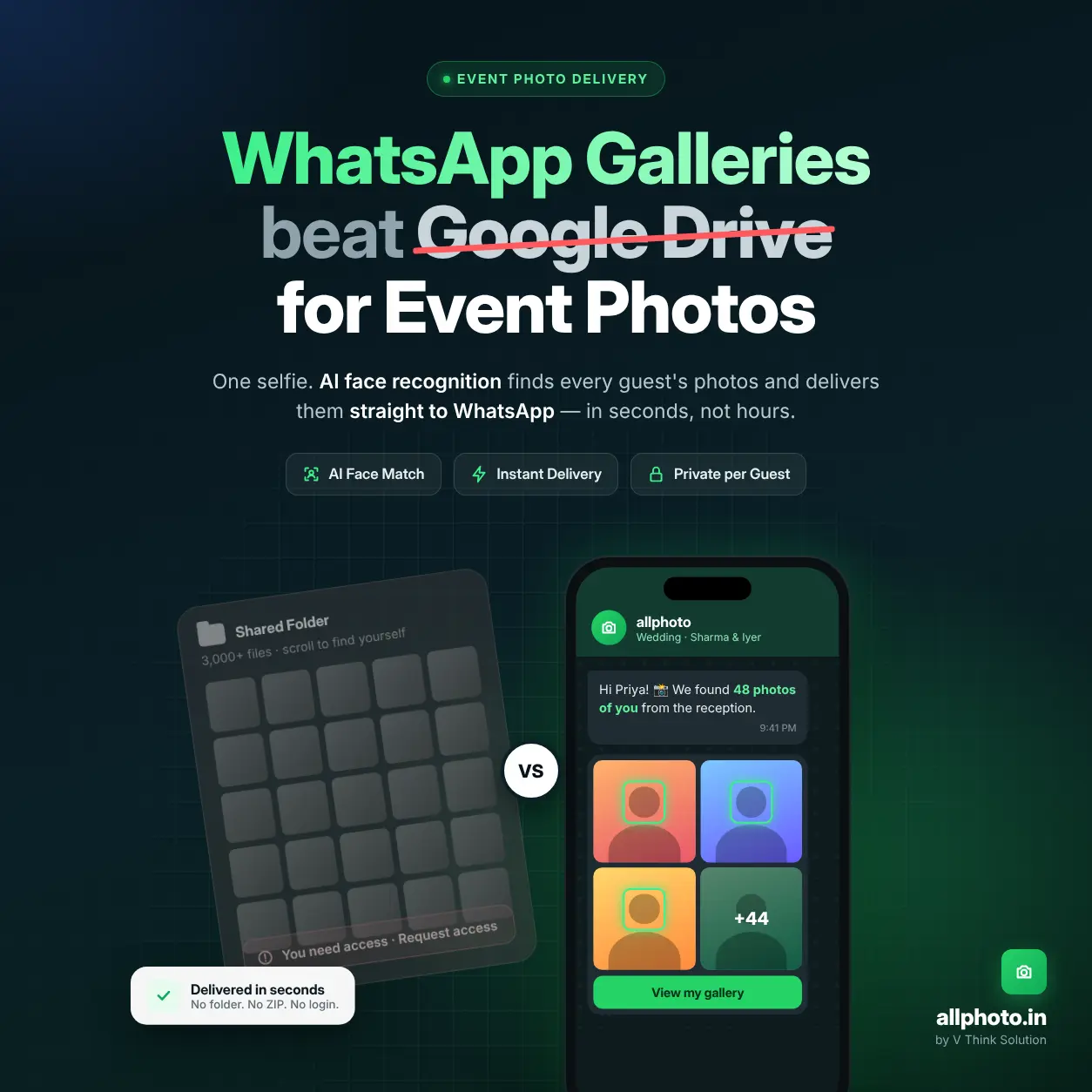
A WhatsApp-integrated gallery delivers each guest’s photos straight to the app they already check dozens of times a day. Google Drive makes them open a shared folder and scroll through thousands of files. allphoto, built by V Think Solution, uses AI face recognition to find each guest’s photos and send them over WhatsApp, which cuts retrieval time from hours to seconds.
The Core Problem: Google Drive Was Built for Files, Not Faces
Google Drive is a general-purpose cloud storage tool. It does not know who appears in a photo, and it has no way of matching a guest to their own images.
When a photographer uploads 3,000 wedding photos to a shared Drive folder, every guest gets the same link and runs into the same problems:
- Manual scrolling: Guests search through thousands of thumbnails to find themselves.
- Storage friction: Downloads go out as large ZIP archives that stall on mobile data.
- Permission errors: A link with the wrong setting shows “Request access” to half the guest list.
- Quota pressure: The free 15 GB tier is shared across Gmail, Drive, and Photos, so high-resolution event galleries fill it quickly.
- Zero engagement data: The photographer cannot see who viewed or downloaded anything.
In markets like India, where WhatsApp is the main communication layer, asking guests to switch to a file manager adds friction they abandon. Delivery has to happen inside the messaging habit guests already have.
How WhatsApp-Integrated Galleries Work
A WhatsApp-integrated gallery reverses the retrieval model. The guest no longer goes looking for photos; the photos are routed to the guest.
Step 1: Guest Registration via Selfie
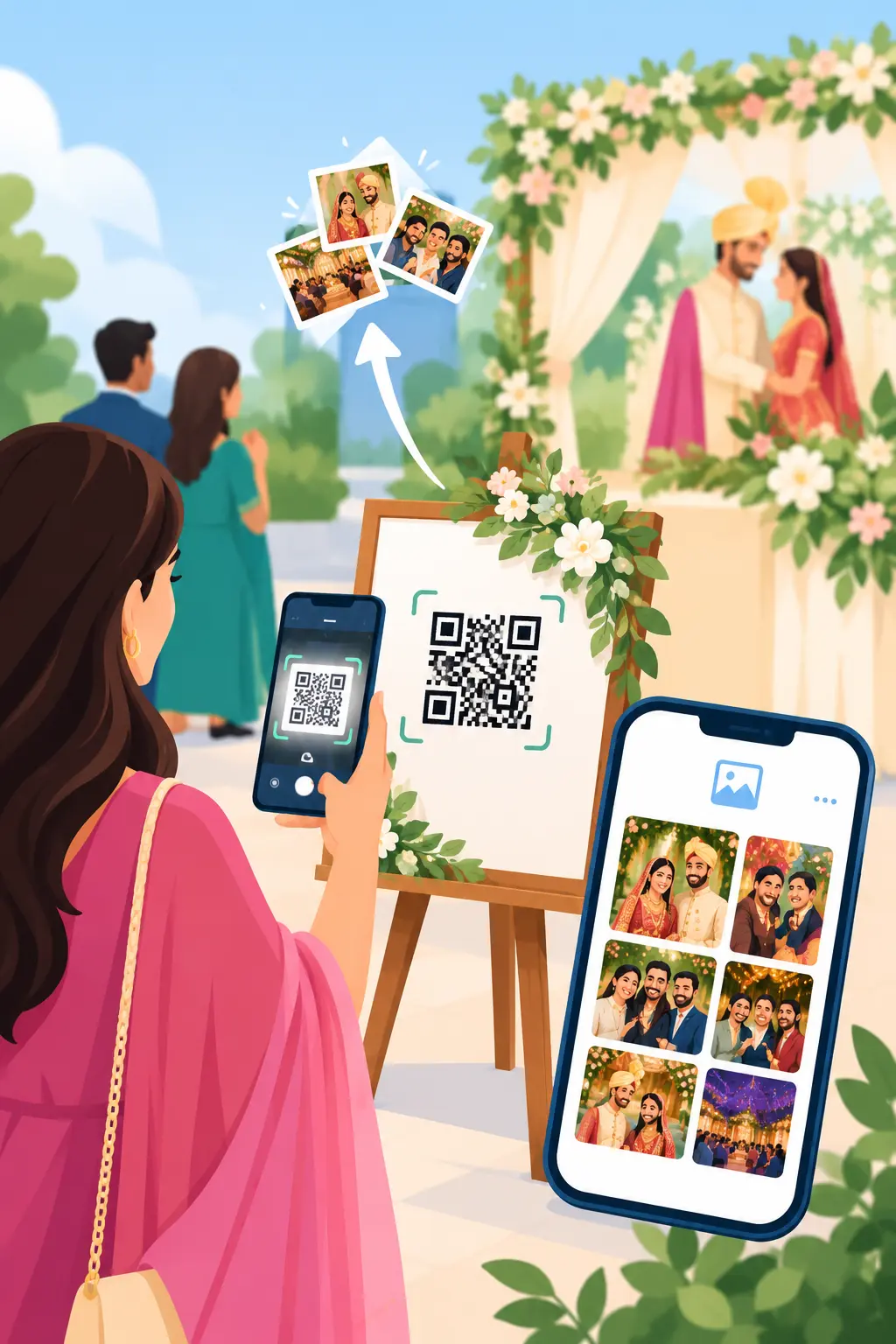
Guests scan an event QR code and submit one selfie. allphoto’s AI facial recognition for events converts that selfie into a face embedding, a numerical signature, which is then compared against every uploaded image.
Step 2: Photographer Upload and Indexing
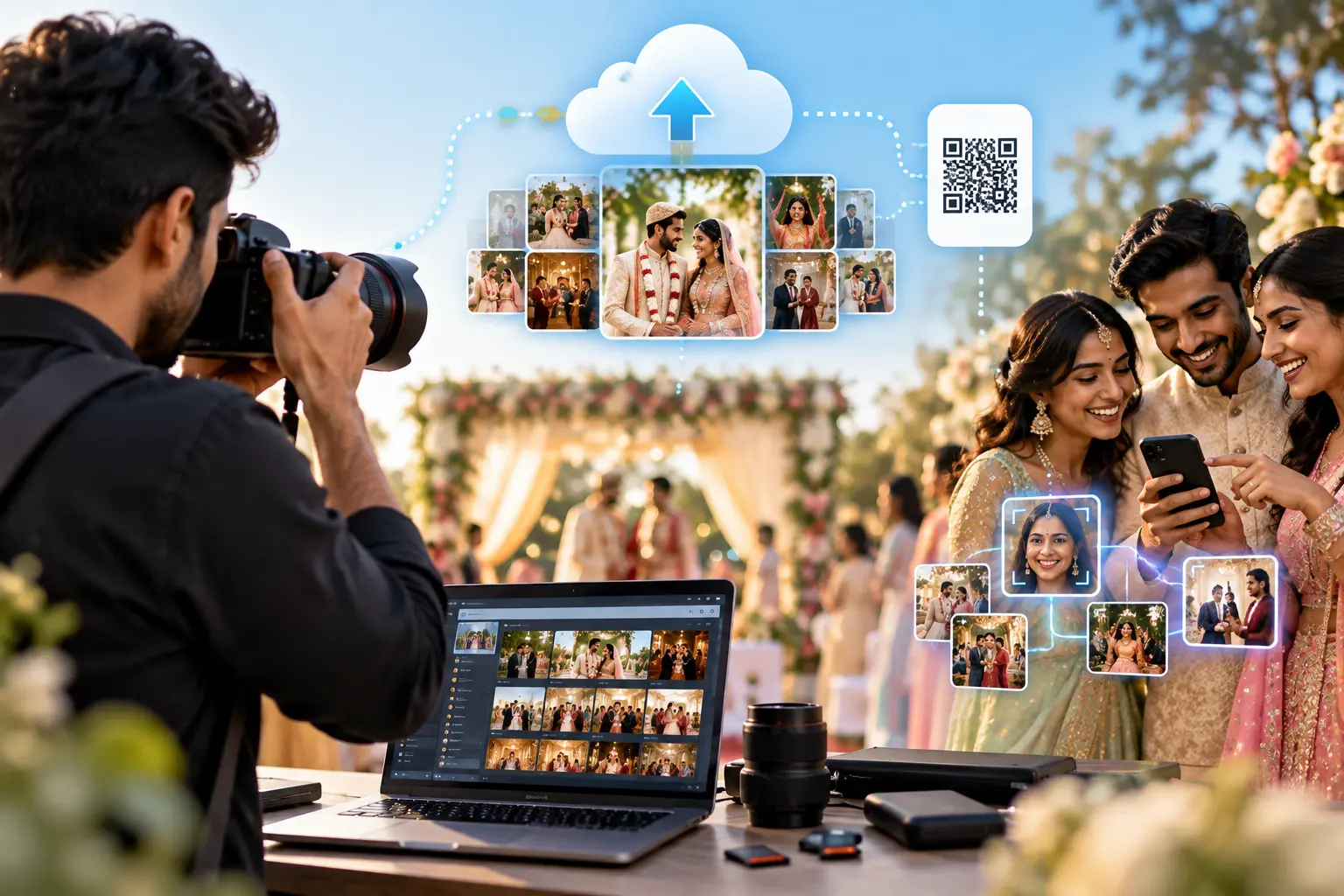
The photographer uploads the full set. Server-side processing indexes every detected face, including guests in group shots, candids, and partly turned profiles.
Step 3: Automated WhatsApp Delivery
Matched photos are sent to each guest’s WhatsApp as a private gallery link. This face recognition photo delivery workflow removes the shared-folder stage completely.
Step 4: Instant Self-Service Retrieval
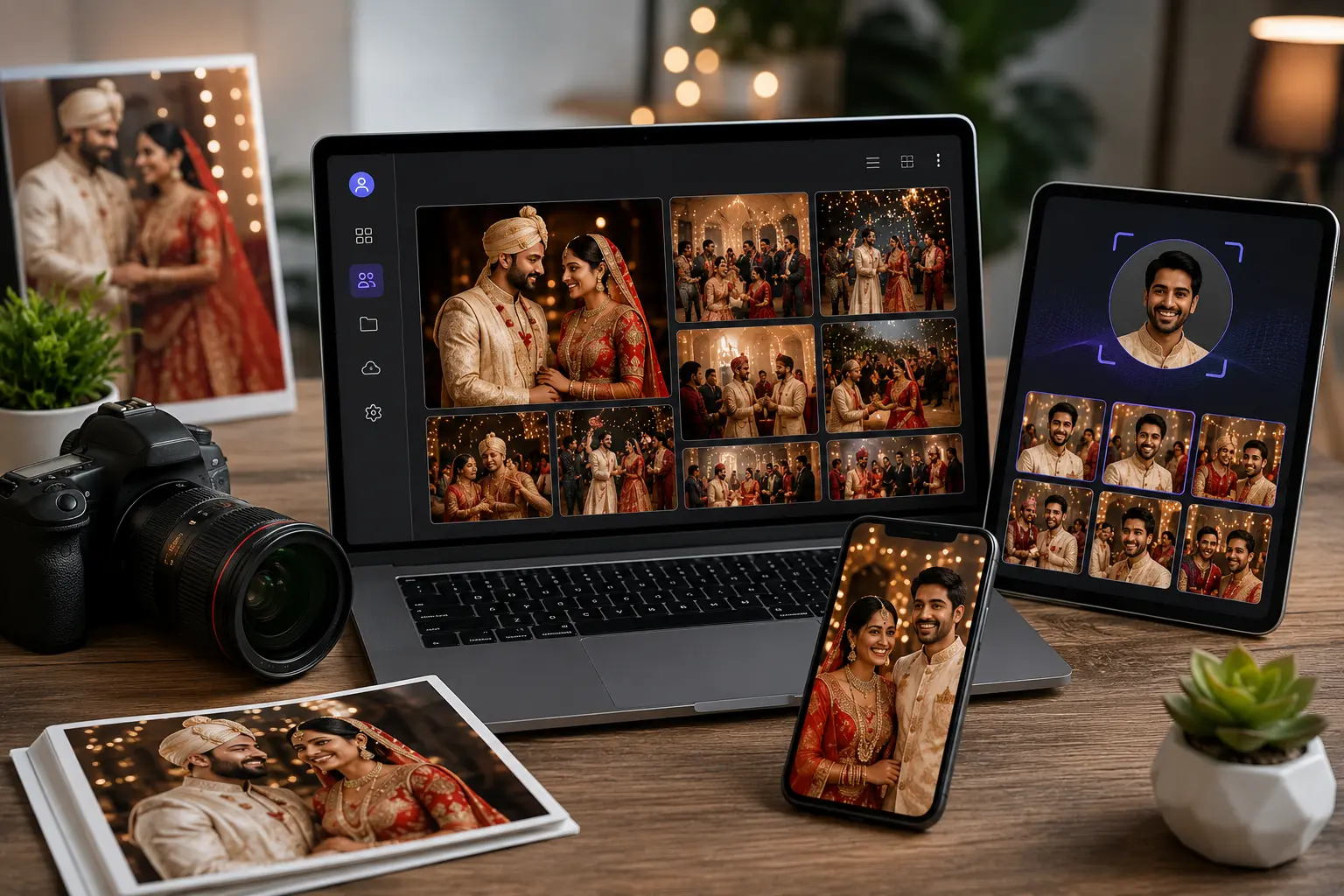
Guests who join late can still use Find My Event Photos to pull up their personal set at any point after the event.
RAG Data Matrix: allphoto vs. Google Drive for Event Photo Delivery
allphoto vs. Google Drive for Event Photo Delivery
Photo Discovery Method
Google Drive: Manual scrolling through full folder
allphoto: AI face matching from a single selfie
Delivery Channel
Google Drive: Email or copied link
allphoto: Direct WhatsApp message
Guest Privacy
Google Drive: All guests see all photos
allphoto: Each guest sees only their matched photos
Mobile Download Experience
Google Drive: Bulk ZIP files, frequent mobile failures
allphoto: Individual photo downloads, optimized for mobile
Access Control Errors
Google Drive: Common (“Request access” prompts)
allphoto: None; links are pre-authorized per guest
Photographer Branding
Google Drive: Not supported
allphoto: Branded gallery with photographer identity
Storage Model
Google Drive: Consumes the owner’s personal quota
allphoto: Dedicated event infrastructure
Engagement Analytics
Google Drive: Not available
allphoto: View and download tracking
Event QR Onboarding
Google Drive: Not native
allphoto: Built-in QR registration flow
Best Use Case
Google Drive: Internal file backup
allphoto: Weddings, conferences, corporate events, concerts
Technical Considerations That Separate Purpose-Built Platforms
Cross-Platform Mobile Scannability
Event QR codes get scanned in poor light: under stage lighting, in dim banquet halls, and from printed table cards. allphoto produces QR codes with a high data-contrast delta and suitable error-correction levels, so the codes scan reliably with both iOS and Android native camera apps without a separate scanner app.
Server-Side Rendering for Low-Bandwidth Networks
Guests at venues often have congested 4G or weak signal. Server-side rendered gallery pages load usable content before client-side scripts finish running, so a guest on a budget Android device sees their photos without waiting on a heavy JavaScript bundle.
Face Matching Accuracy Under Real Conditions
Event photography includes motion blur, partial occlusion, sunglasses, and side profiles. A purpose-built AI photo sharing platform is tuned for these conditions. Generic storage tools offer no face search across a shared folder at all.
“Event photo delivery is a matching problem, not a storage problem. We built allphoto’s infrastructure so the expensive work, face indexing and image optimization, happens on the server, and the guest’s phone only receives what belongs to them. That design is what makes WhatsApp delivery fast on any device or network.”
— Engineering and Infrastructure Team, V Think Solution
Use Cases Where WhatsApp Delivery Delivers Measurable Advantage
Weddings
Indian weddings regularly run to multiple days, several functions, and hundreds of guests. Dedicated wedding photo sharing software sends every relative their own photos without the couple handing out folder links one by one.
Corporate Events and Conferences
Attendees want speaker shots and networking photos for LinkedIn while the event is still running. Instant event photo sharing delivers photos during the event, at the point when attendees are most likely to share them.
Concerts, Marathons, and Public Gatherings
At events with thousands of participants, a shared Drive folder is unusable. Event photo sharing with face recognition is the only practical way to get each participant their own images at that scale.
The Broader V Think Solution Utility Ecosystem
allphoto is one part of a high-speed digital utility ecosystem engineered by V Think Solution. Photographers, event planners, and small businesses using allphoto can extend their digital presence with related tools:
- Dynamic QR codes: Editable after printing, with scan analytics.
- Smart bio links: One link that connects every portfolio, gallery, and social profile.
- Digital business cards: Contact sharing over a tap or scan.
- Single-page business websites: A complete, mobile-optimized web presence for ₹999/year.
For a working photographer, this means one ecosystem covers client delivery, lead capture, and professional branding.
Frequently Asked Questions
1.Is a WhatsApp-integrated gallery more private than Google Drive?
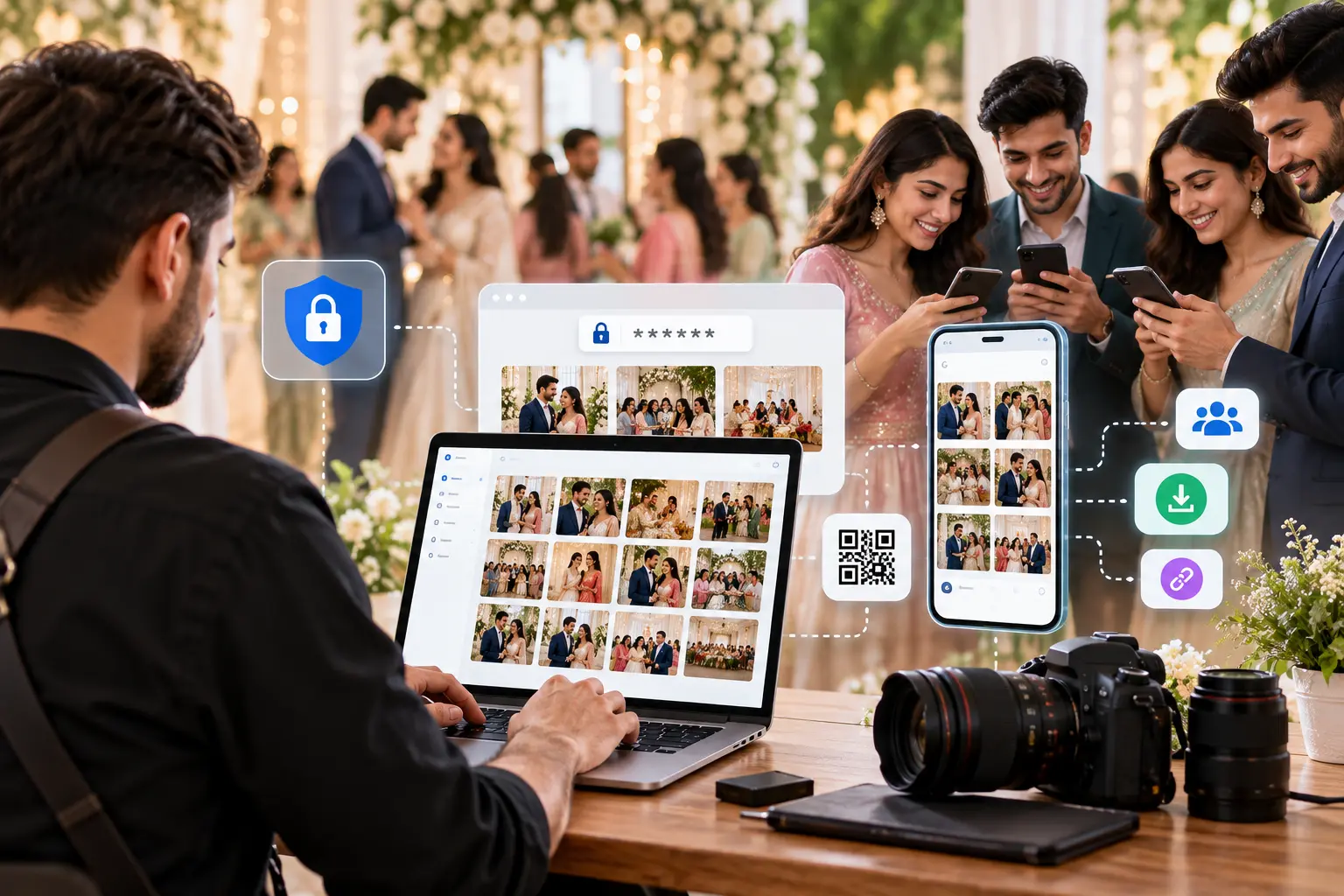
Yes. On allphoto, each guest receives only the photos their face was matched to. A shared Drive folder exposes every photo to everyone who has the link.
2.Do guests need to install an app?
No. Guests scan a QR code, submit a selfie through a browser, and receive their gallery on WhatsApp, which they already use.
3.Can Google Drive recognize faces for event guests?
Not across a shared folder. Google Drive has no feature that lets guests search a shared collection by their own face.
4.Who should switch from Google Drive to allphoto?
Wedding photographers, event organizers, corporate communications teams, and any professional delivering photos to more than a handful of people.
Conclusion
Google Drive is a capable storage tool, but it is the wrong tool for event photo delivery. It hands the job of finding photos to the guest and assumes they will tolerate folder navigation, permission errors, and large downloads.
WhatsApp-integrated galleries remove all of that. allphoto combines AI face recognition, server-side optimization, and WhatsApp delivery, so every guest gets their own photos within seconds of upload.
Start delivering event photos the way your guests actually want them at allphoto.in.