Photo Distribution Software for Photographers: The Smart Way to Deliver Images Instantly
Published by AllPhoto, built by V Think Solution · Updated 2 November 2026
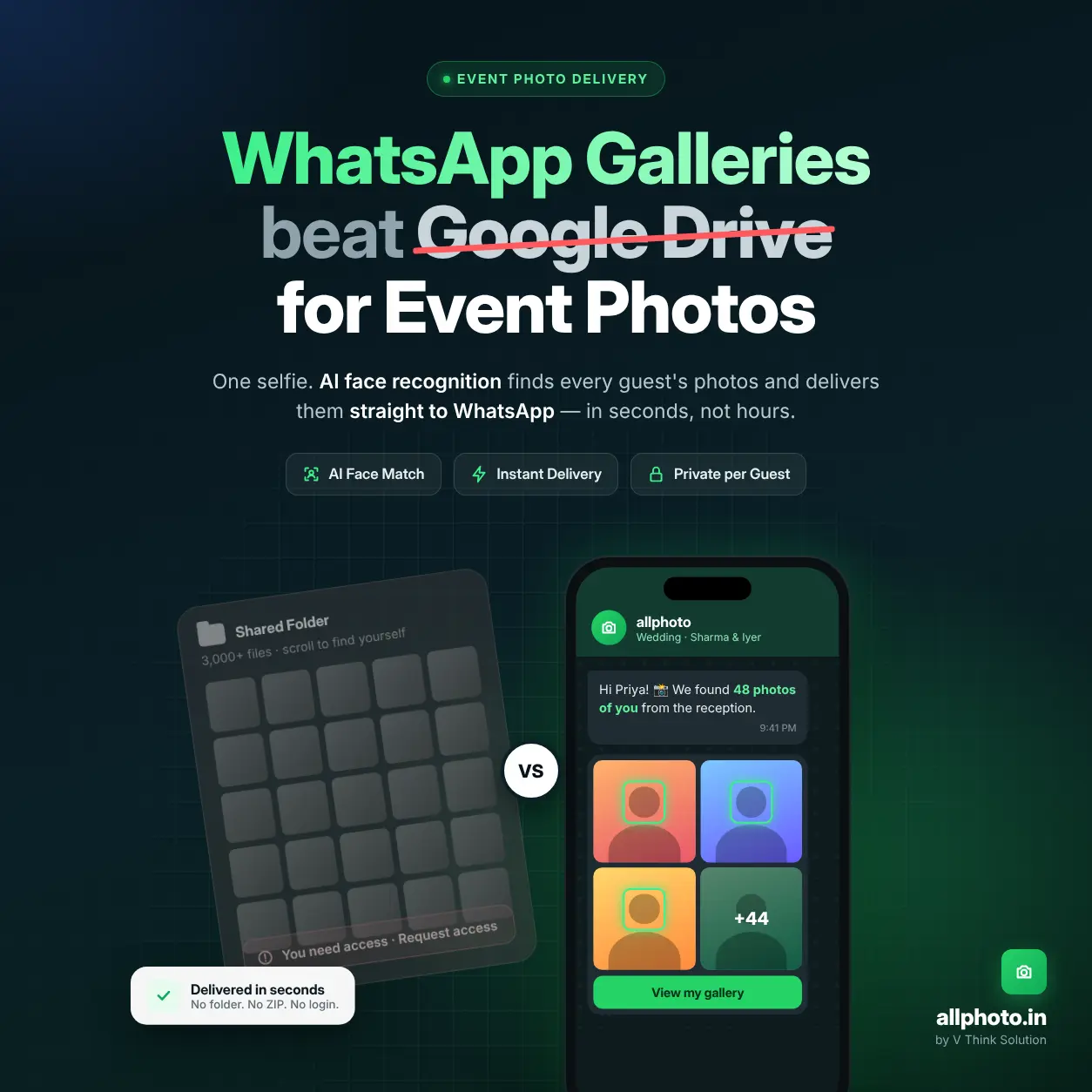
Photo distribution software is a cloud platform that lets photographers upload an event once and deliver every client and guest their own photos automatically. AllPhoto does this with AI face recognition. Guests scan a QR code, take one selfie, and get only the photos they appear in, in HD, through a private gallery or WhatsApp link. No manual sorting, no shared folders.
What Is Photo Distribution Software for Photographers?
Photo distribution software is a system that ingests event photos, organises them, and routes each image to the people who need it. It replaces USB drives, email attachments and shared folders with one automated delivery pipeline.
Modern platforms do three jobs:
- Ingest: bulk upload, import by link, or live transfer from the camera.
- Organise: AI indexes every face, so each photo is linked to the people in it.
- Deliver: each client or guest gets a private, mobile-ready gallery with only their images.
The organising step is where the platforms differ. A basic client gallery stores photos. A face-recognition platform like AllPhoto works out who is in each photo and sends it to them.
Why Manual Photo Delivery Fails at Event Scale
Manual delivery treats photo sharing as a storage problem. Event photography is a matching problem.
Take a wedding with 400 guests and 5,000 photos. If the photographer shares one folder, every guest has to scroll through all 5,000 images to find the 20 or 30 they appear in. The work moves from one photographer to 400 guests, and most of them give up.
The pattern holds across event types:
- Weddings: relatives across several functions all ask the couple for “their” photos.
- Corporate events: attendees want speaker and networking shots for LinkedIn while the event is still running.
- Marathons: thousands of runners, and bib-number tagging misses faces that are hidden or turned away.
- Schools: parents need their own child’s photos, not a gallery of every student.
Distribution software solves this by doing the matching automatically.
How AllPhoto Distributes Event Photos: Step by Step
Step 1: Create the event
The photographer creates an event in the AllPhoto dashboard and gets a unique QR code and share link. Setup takes a few minutes, and many events can run from one account.
Step 2: Upload photos (three ways)
- Bulk upload: drag and drop thousands of JPG or PNG files at once.
- Upload by link: paste a shared folder link, and AllPhoto imports the images without a local download.
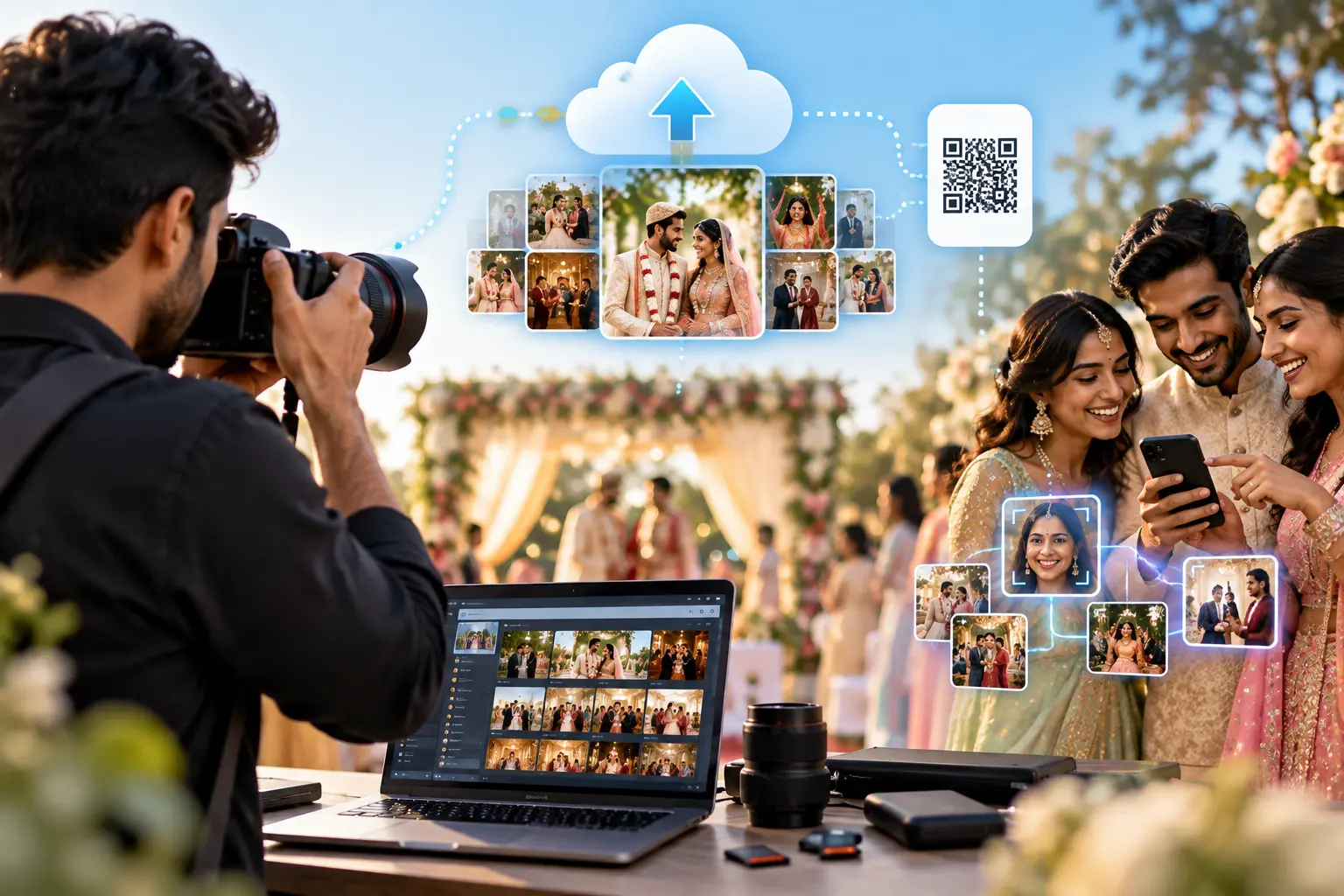
- Camera to Cloud: photos move from the camera (or an FTP-enabled device) to the AllPhoto cloud as they are shot, so delivery starts during the event, not after it.
Step 3: AI face indexing
AllPhoto’s AI facial recognition for events detects every face in every photo, including group shots, candids and partly turned profiles. It stores each face as a numerical signature (a face embedding), not as a tagged name. Optional AI colour enhancement corrects brightness, contrast and skin tones on the way in.
Step 4: Share one QR code or link
The photographer shares a single access point:
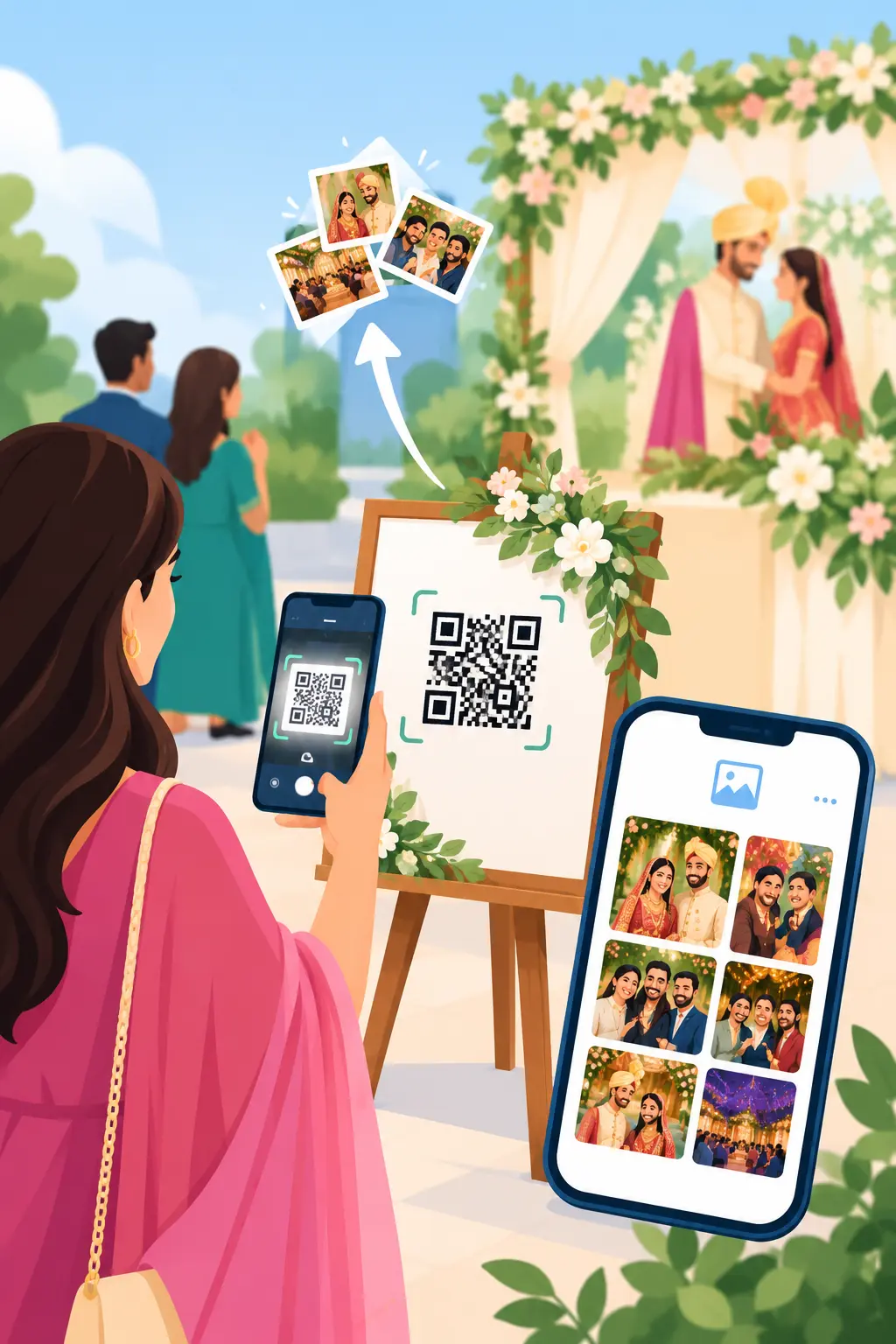
- A QR code on table cards, the welcome board or the event screen.
- A link sent over WhatsApp, SMS or email.
Step 5: Guest selfie, instant personal gallery
The guest scans the code, takes one selfie in a mobile browser, and AllPhoto returns every photo with a matching face. This face recognition photo delivery flow needs no app install. Guests can also use Find Friends to pull up photos of a family member by uploading that person’s picture.
Step 6: Download and share
Guests download in HD for social media or Ultra HD for printing, and share straight to WhatsApp, Instagram or Facebook.
Step 7: Track delivery
The photographer sees views and downloads per event in the analytics dashboard. That shows the client, in numbers, that the photos were delivered.
Photo Delivery Methods Compared
| Criteria | USB drive / email | Shared cloud folder (e.g. Google Drive) | Standard client gallery | AllPhoto (AI face recognition) |
|---|---|---|---|---|
| How guests find their photos | Wait for the client to forward files | Scroll the entire folder | Browse albums or search by filename | One selfie returns only their photos |
| Time to first delivery | Days to weeks | Hours to days after upload | Hours to days after editing | Minutes; live during the event with Camera to Cloud |
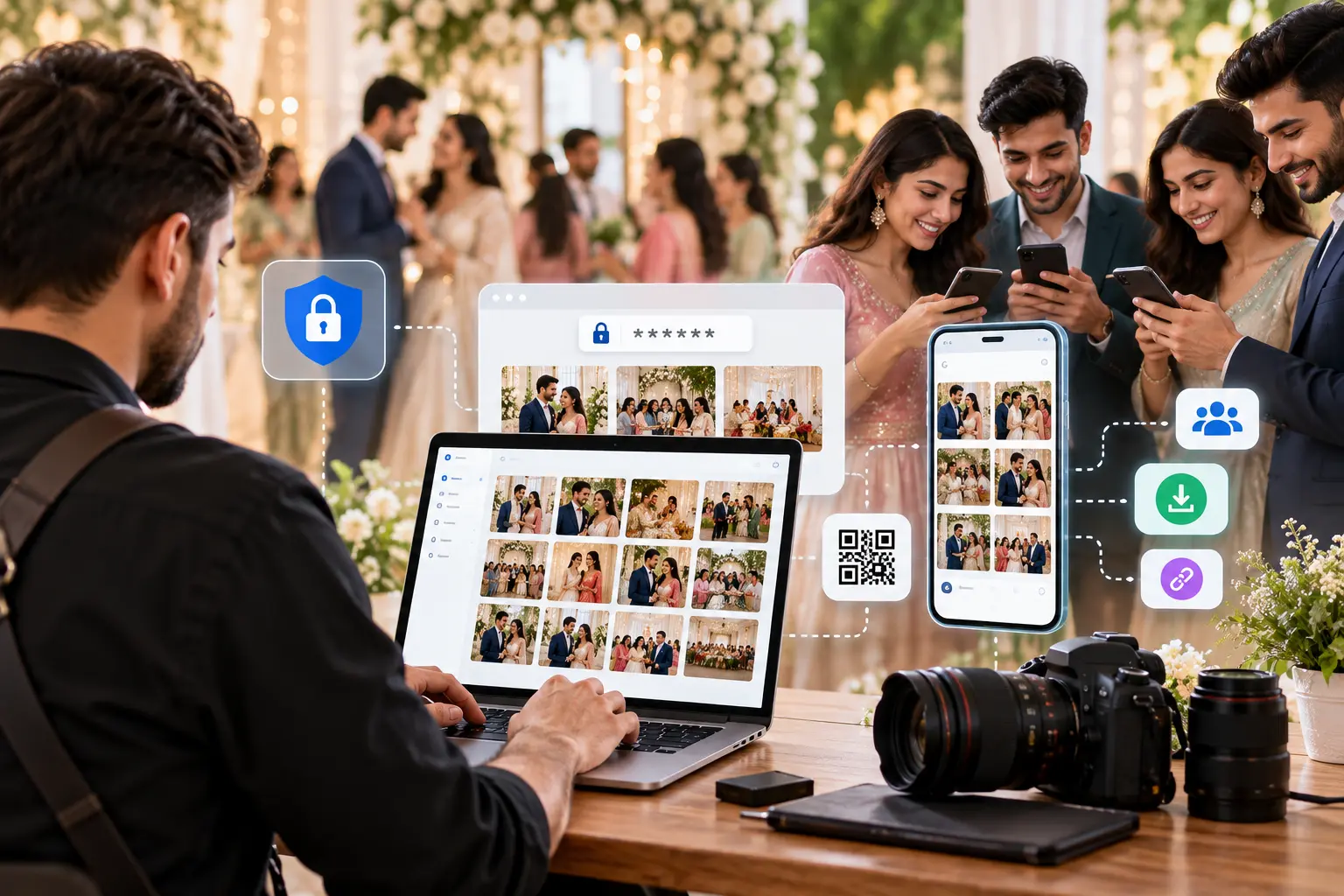
| Guest privacy | Depends on who holds the drive | Everyone with the link sees everything | Password per gallery, not per person | Each guest sees only photos matched to their face |
| Image quality | Original | Original, but large ZIPs often fail on mobile | Original or compressed, by plan | HD for sharing, Ultra HD for printing |
| Handles 500+ guests | No | Poorly | Partly | Yes |
| Mobile experience | Needs a computer | File manager interface | Mobile web gallery | Mobile-first; QR scan, no app needed |
| Photographer branding | None | None | Logo on gallery | Branded galleries, watermark, photographer profile, white label |
| Delivery analytics | None | None | Basic | Views and downloads per event |
| Photographer effort per event | Copy, label, courier | Upload, set permissions, answer requests | Upload, organise albums | Upload once; matching and delivery are automatic |
Technical Factors That Separate Purpose-Built Platforms
QR code scannability in real venues
Event QR codes are scanned under stage lighting, in dim banquet halls and from printed table cards at an angle. Reliable scanning depends on:
- High data-contrast delta: dark modules on a light background, with no low-contrast brand colours.
- Error-correction level: higher levels (Q or H, which recover roughly 25–30% of the code) keep codes readable when part of a print is creased or glared.
- Quiet zone and print size: a clear margin and a size big enough to scan from where guests actually stand.
- Native camera support: codes that open in the default iOS and Android camera apps without a separate scanner.
Server-side rendering for weak venue networks
Venues often have congested 4G and overloaded Wi-Fi. When the gallery page is rendered on the server, a guest on a budget Android phone sees their photos before heavy JavaScript finishes loading. Lightweight previews load first, and the full-resolution file downloads only on request.
Face matching in imperfect conditions
Event photos include motion blur, sunglasses, side profiles and faces deep in group shots. Matching works best when the guest’s selfie is front-facing and well lit. Very small or heavily blocked faces may not match, so photographers should still shoot clean key portraits of the main family and VIPs.
Privacy and consent
Face data is sensitive. A responsible platform should:
- Use the selfie only to match that guest’s own photos.
- Never sell or share face data with third parties.
- Give access only through the guest’s own match, never as an open folder.
- Publish a clear privacy policy and honour deletion requests.
“Event photo delivery is a matching problem, not a storage problem. We built AllPhoto so the expensive work, face indexing and image optimisation, happens on the server. The guest’s phone receives only what belongs to them, which is why delivery stays fast on any device and any network.”
Engineering and Infrastructure Team, V Think Solution
What to Look For When Choosing Photo Distribution Software
Use this checklist when you evaluate any platform:
- Selfie-based face search that guests can use without installing an app.
- QR code and WhatsApp sharing, since that is how Indian guests actually receive links.
- Live upload (Camera to Cloud) if you cover corporate events, conferences or sports.
- Two delivery qualities: one for social media, one for print.
- Per-guest privacy, not just one password per gallery.
- Your branding on every gallery the guest sees.
- Analytics that show the client their photos were delivered.
- Transparent pricing in your own currency, with a free tier for a real test event.
Use Cases by Photography Type
- Wedding photography: each relative gets their own photos from every function, delivered through wedding photo sharing software instead of the couple forwarding folders.
- Corporate events: attendees get speaker and networking photos during the event through instant event photo sharing, while they are still likely to post them.
- Sports and marathons: runners selfie-search their race photos without bib-number tagging.
- Schools and colleges: parents see only their own child’s annual day, sports day or convocation photos.
- Concerts, festivals and public events: event photo sharing with face recognition scales to thousands of attendees.
- Studios: studios that sell delivery under their own name can use white label branding.
How Much Does AllPhoto Cost?
AllPhoto has a free plan with 1,500 photos valid for 365 days, and paid plans start at ₹299. Plans are priced by photo count and validity period, so a photographer pays for the events they actually shoot. See current plans on the AllPhoto pricing page. Prices are as listed on 2 November 2026 and may change.
AllPhoto is part of V Think Solution’s wider set of business tools, which also includes dynamic QR codes and digital business cards for photographers.
Frequently Asked Questions
What is photo distribution software for photographers?
It is a cloud platform that uploads, organises and delivers event photos to clients and guests automatically. AI-based platforms like AllPhoto use face recognition so each person receives only their own photos.
How does face recognition photo delivery work?
The photographer uploads event photos and the AI indexes every face. A guest takes one selfie, and the platform returns every photo with a matching face, usually within seconds.
Do guests need to install an app?
No. Guests scan the event QR code or open the shared link and take a selfie in their mobile browser. An optional Android app is available for repeat access.
Can photographers deliver photos during the event?
Yes. With AllPhoto’s Camera to Cloud, photos upload from the camera as they are taken, so guests can find them before the event ends.
Can guests download full-quality photos?
Yes. Guests choose HD for social sharing or Ultra HD for printing, with no WhatsApp-style compression.
Is guest face data safe?
On AllPhoto, a selfie is used only to match that guest’s photos and is never sold or shared with third parties. Each guest sees only their own matched images.
Is AllPhoto suitable for wedding photographers?
Yes. Indian weddings have many functions and hundreds of guests, which is exactly where selfie-based delivery saves the most time for the photographer and the couple.
Can I manage several events at once?
Yes. Photographers run multiple events from one dashboard, each with its own QR code, gallery and analytics.
How much does photo distribution software cost?
AllPhoto starts free with 1,500 photos, and paid plans start at ₹299. Pricing depends on photo volume and validity.
Conclusion
The fastest way to deliver event photos is to stop sorting them yourself. Photo distribution software with AI face recognition turns one upload into hundreds of personal galleries, delivered by QR code or WhatsApp in minutes.
AllPhoto gives wedding, corporate, sports and school photographers that whole pipeline in one place: Camera to Cloud upload, face matching, HD and Ultra HD delivery, branding and analytics.
Start free with AllPhoto and deliver your next event’s photos the same day.