Published by AllPhoto, built by V Think Solution · Updated 3 November 2026
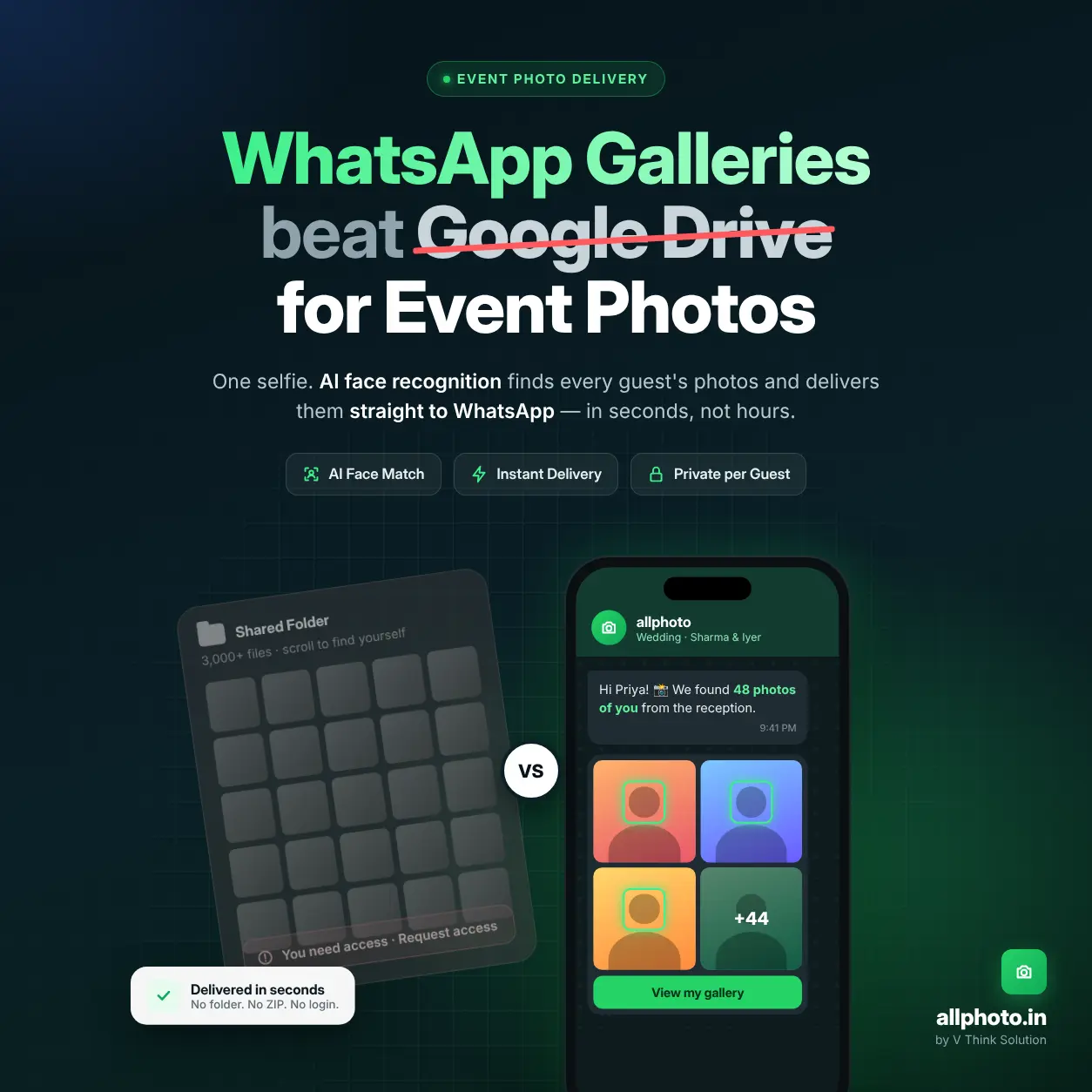
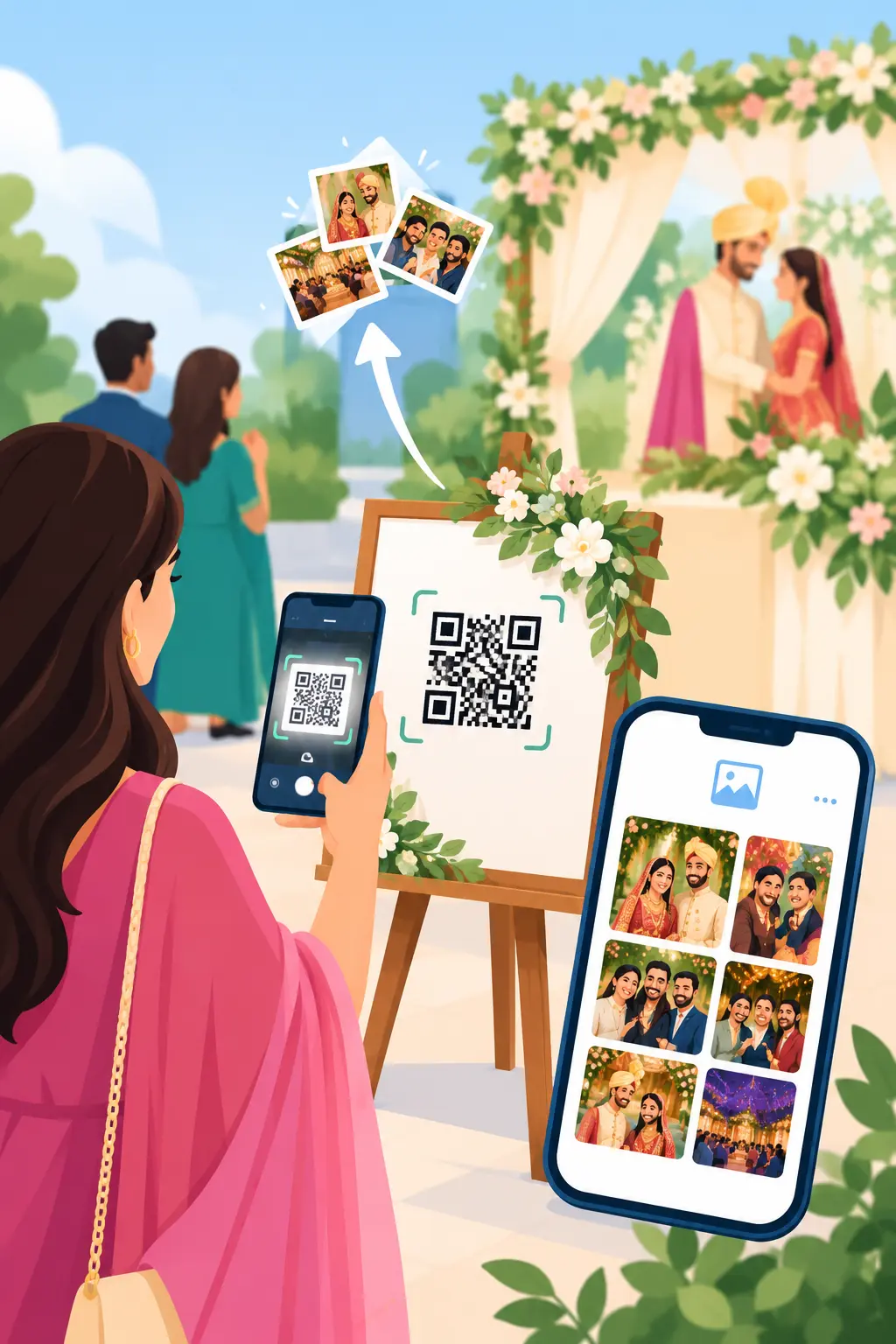
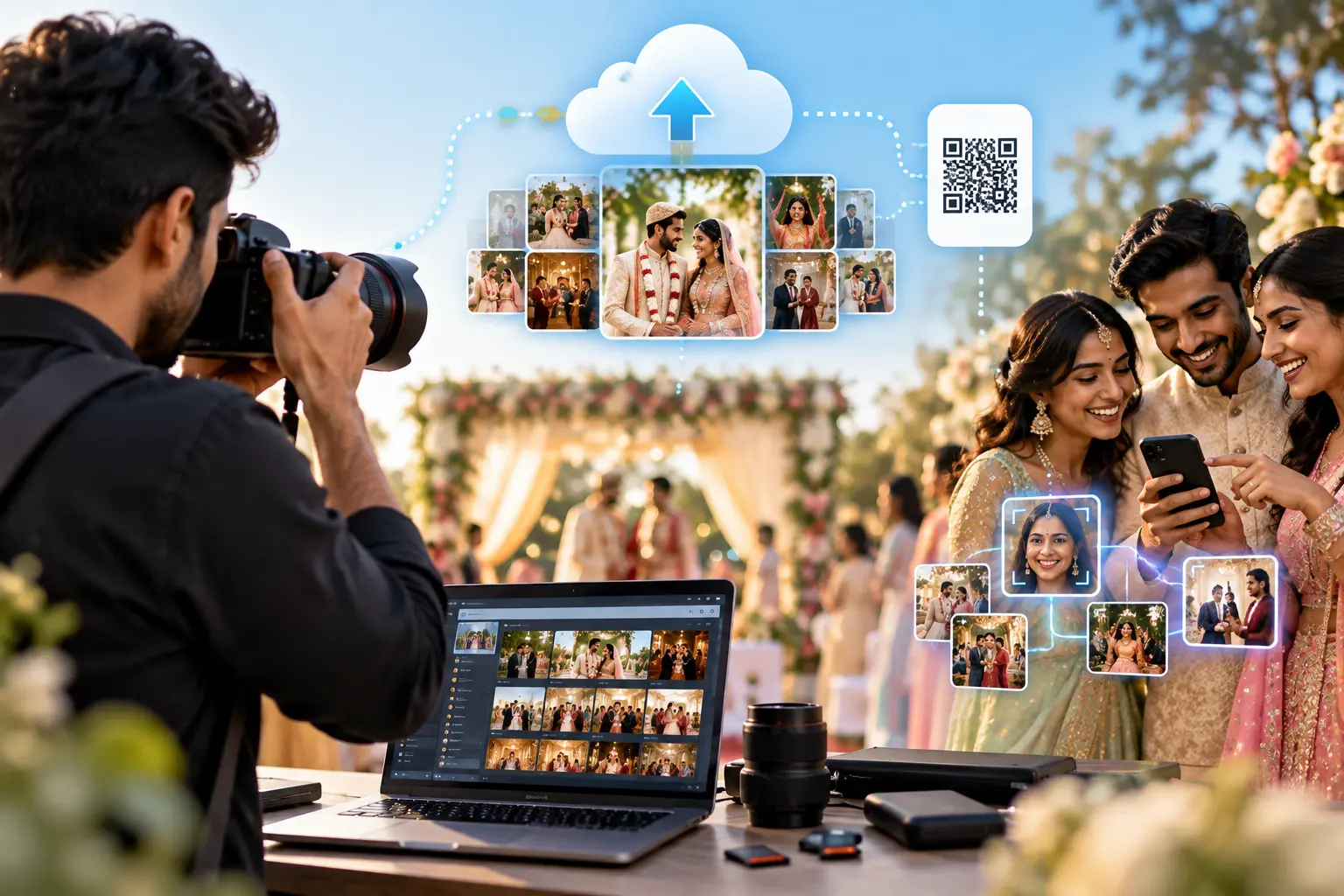
Instant event photo sharing means guests get their photos during the event, not days later. AllPhoto does this by sending photos from the photographer’s camera to the cloud as they are shot, matching every face with AI, and letting each guest scan a QR code, take one selfie, and see their own photos minutes after the shutter clicks.
Why Speed Is Now the Measure of Event Photo Delivery
For years, the question guests asked was “When will the photos come?” The honest answer was usually “In a week or two.”
That answer doesn’t hold up anymore. Attendees post to Instagram, LinkedIn and WhatsApp while the event is still happening. A keynote photo is most valuable during the conference, not after it. A sangeet photo is most valuable that same night. A finish-line photo matters most while the runner is still catching their breath.
Every hour of delay costs something real:
- Guests lose interest. Excitement peaks at the event and fades fast afterwards.
- Organisers lose reach. Photos posted during the event spread the event’s name; photos posted a week later barely do.
- Photographers lose credit. Late photos get forwarded without the photographer’s name attached.
Instant event photo sharing closes that gap. The metric that matters is no longer “how good is the gallery” but time-to-guest: the minutes between the shutter click and the photo appearing on the right person’s phone.
What Is Instant Event Photo Sharing?
Instant event photo sharing is a delivery method where photos move from the camera to each attendee’s phone during the event, with AI routing every photo to the people in it.
It combines three things that used to be separate:
- Live transfer: photos leave the camera while the event runs.
- Automatic matching: AI face recognition works out who is in each photo.
- Self-service access: guests find their photos themselves with a QR code and a selfie.
Remove any one of these and the process stops being instant. A live upload without matching just creates a giant folder. Matching without live transfer still waits for the photographer to get home.
AllPhoto’s instant event photo sharing puts all three in one pipeline.
The Instant Delivery Pipeline, Stage by Stage
| Stage | What happens | Typical bottleneck | How AllPhoto handles it |
|---|---|---|---|
| 1. Capture | The photographer shoots the moment | Photos stay on the memory card until the event ends | Camera to Cloud sends selected frames as they are shot |
| 2. Transfer | The file moves from camera to cloud | Manual card swaps, laptop uploads, congested venue Wi-Fi | Wireless transfer from compatible cameras and FTP devices; upload by link for teams working from a shared folder |
| 3. Optimise | The image is resized and colour-corrected | Editing every frame before release | AI colour enhancement balances brightness, contrast and skin tones on arrival |
| 4. Face indexing | Every face in the photo is detected and indexed | Manual tagging or bib-number lookups | Automatic AI face matching on every incoming photo |
| 5. Guest access | The attendee reaches the gallery | App installs, sign-up forms, broken folder permissions | QR code or link via WhatsApp, SMS or email; opens in the phone browser |
| 6. Match and display | The guest sees only their photos | Scrolling through the full event gallery | One selfie returns every matching photo, including photos added after the selfie |
| 7. Download and share | The guest saves and posts the photo | Compression on messaging apps; large ZIP files on mobile data | HD for fast social sharing, Ultra HD for prints; one-tap share to WhatsApp, Instagram and Facebook |
Choosing the Right Delivery Speed for Your Event
Not every event needs live delivery. Match the speed to what attendees will actually do with their photos.
| Speed tier | Time-to-guest | Best for | AllPhoto setup |
|---|---|---|---|
| Live | Minutes | Conferences, product launches, sangeets, receptions, concerts | Camera to Cloud + QR code on screens and table cards |
| Near-live | Within the hour | Award nights, college fests, exhibitions | Batch uploads every 30–60 minutes during breaks |
| Same-day | Same evening | Haldi, mehndi, corporate offsites, school annual days | One upload after the function |
| Final delivery | Within the agreed timeline | Complete edited wedding or event set | Full upload; guests who already took a selfie see everything without asking again |
Most events mix tiers. A wedding might run the sangeet live and deliver the pheras as a curated set the next morning.
How to Run Instant Photo Sharing at Your Next Event
Before the event
- Create the event in your AllPhoto account and add your logo, so every photo carries your brand.
- Test Camera to Cloud with your exact camera body and transfer setup a day before, not at the venue.
- Print the QR code on table tents, the welcome board and lanyard inserts, with one line: “Scan → selfie → your photos.”
- Plan your network. Don’t rely on venue Wi-Fi for uploads. Carry a dedicated 4G/5G hotspot for the photography team.
During the event
- Send selected frames, not every frame. Live delivery works best with a curated stream of strong shots. The full set can follow later.
- Use HD mode for live uploads. Smaller files move faster on busy networks and use fewer upload credits. Save Ultra HD for the final delivery.
- Put the QR code on the big screen between sessions or during stage breaks. That is when attendees have their phones out.
- Ask the host or emcee to announce it once. One mention reaches every guest at the same moment.
After the event
- Upload the full edited set. Guests who registered with a selfie during the event find the complete collection without scanning again.
- Check analytics to see views and downloads, and share the numbers with your client as proof of delivery.
Technical Factors That Decide Whether “Instant” Really Works
Venue networks are the real bottleneck
Most “slow upload” problems are network problems, not platform problems. Venue Wi-Fi is shared by hundreds of guests and drops under load. A dedicated mobile hotspot, JPEG files instead of RAW, and HD-sized uploads keep the stream moving.
Selfie capture in the browser
Guests take their selfie in the phone browser, not in an installed app. Browser camera access needs a secure (HTTPS) page and a one-time permission prompt. It works on current iOS Safari and Android Chrome without any download, which removes the biggest drop-off point: asking 500 guests to install something.
QR codes on screens versus paper
A QR code shown on an LED wall can pick up glare and moiré patterns that a printed code never has. Codes on screens should be large, high-contrast (dark modules on a white background), shown for long enough to scan, and generated with a higher error-correction level, so a partly washed-out code still reads. Printed table tents remain the most reliable backup.
Light pages for heavy crowds
When hundreds of guests open the gallery at once on congested 4G, page weight matters. Server-rendered pages and progressively loaded thumbnails show a guest their first photos quickly. The full-resolution file downloads only when they tap it.
Photos that arrive after the selfie
In live delivery, photos keep arriving for hours. A guest who scans at 7 pm should still find the 10 pm photos. AllPhoto stores the guest’s face match once, so new uploads appear in their gallery without a second selfie.
“Instant delivery is decided long before a guest scans the QR code. If transfer, enhancement and face indexing happen on the server the moment a photo lands, the guest’s phone has almost nothing left to do. We built AllPhoto so a guest on a busy venue network still sees their photos in seconds, not minutes.”
Engineering and Infrastructure Team, V Think Solution
Where Instant Event Photo Sharing Makes the Biggest Difference
- Conferences and product launches: speakers and attendees post photos on LinkedIn during the event, while the hashtag is still trending.
- Indian weddings: sangeet and reception photos reach relatives the same night. See wedding photo sharing software.
- Marathons and sports events: runners find finish-line photos by selfie, with no bib-number search. See event photo sharing with face recognition.
- Concerts and college fests: large crowds get their own photos without a shared folder that everyone scrolls.
- Brand activations: every attendee’s post is free reach for the brand, but only if the photo arrives while they are still at the venue.
Privacy in Live Delivery
Speed doesn’t have to cost privacy:
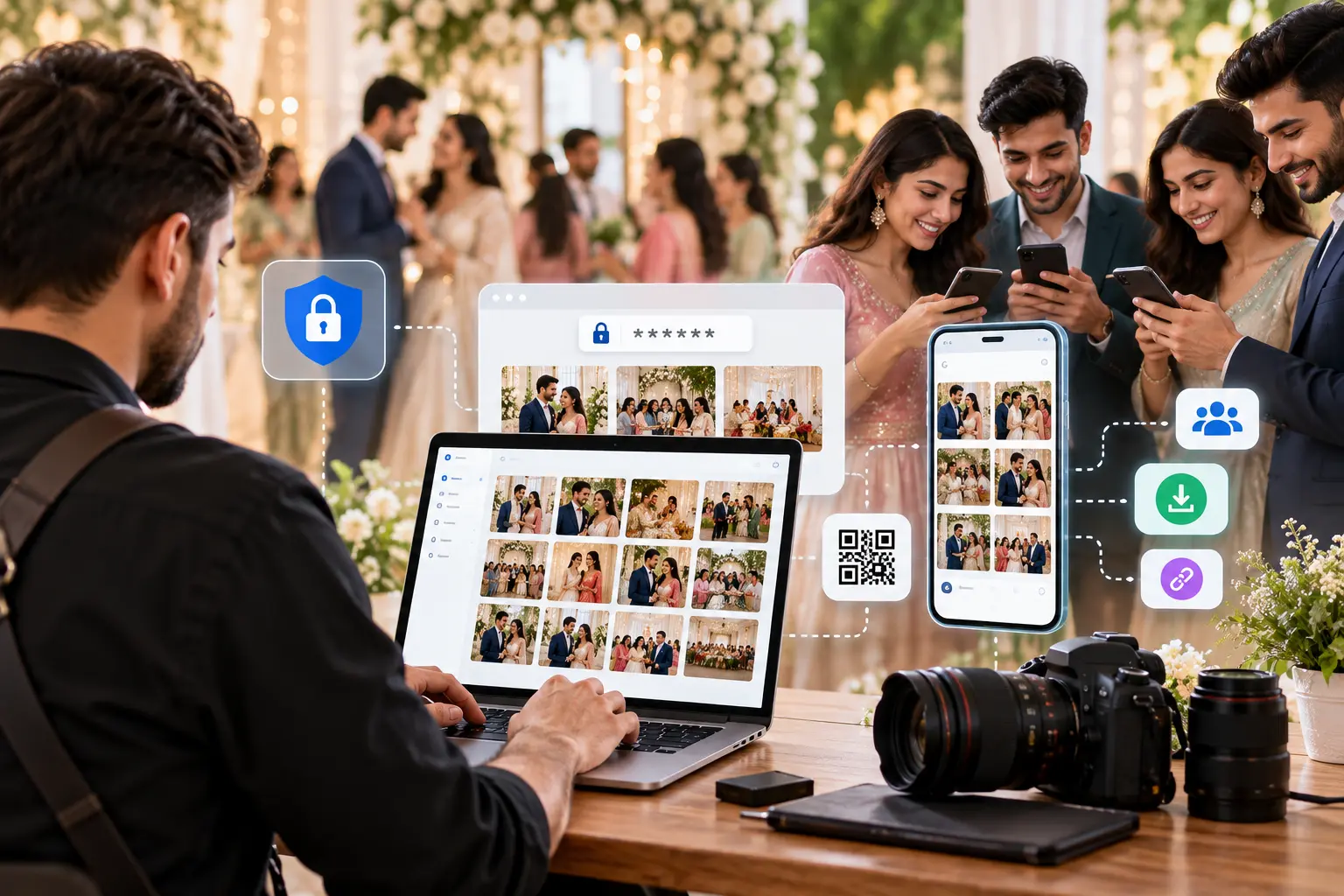
- The photographer controls what goes live. Only selected frames are uploaded during the event.
- Each guest sees only their own matches, not the full live stream.
- Face data is used only for matching and is never sold or shared with third parties (privacy policy).
For school and corporate events, tell attendees up front how photos will be shared. One line on the QR card is enough.
Frequently Asked Questions
How fast is instant event photo sharing?
With Camera to Cloud and a stable network, photos can reach guests within minutes of being taken. Actual speed depends mostly on the venue connection and file size.
Do I need a special camera?
You need a camera or transfer device that supports wireless or FTP upload. AllPhoto works with compatible cameras and FTP devices. Test your exact setup before the event.
Should I shoot RAW for live delivery?
Shoot RAW+JPEG if you want RAW for final editing, but send JPEGs live. JPEG files are far smaller and reach guests much faster.
What if the venue Wi-Fi is weak?
Use a dedicated 4G/5G hotspot for the photography team and upload in HD mode. Guests’ galleries are built to load on congested mobile networks.
Do photos need editing before they go live?
Not every photo. AllPhoto’s AI colour enhancement corrects brightness, contrast and skin tones automatically, so selected frames can go out immediately and fully edited versions can follow.
Do guests need to scan again to see new photos?
No. After one selfie, new photos matching that guest appear in their gallery as they are uploaded.
How do guests get the link?
Through a QR code at the venue, or a link sent by WhatsApp, SMS or email. No app install is needed.
How much does it cost?
AllPhoto has a free plan with 1,500 photos, and paid plans start at ₹299, priced by photo count. See the pricing page.
Related Reading
- Why Event Organizers Need AI-Powered Photo Sharing Platforms
- Photo Distribution Software for Photographers
- AI Photo Sharing App for Photographers
- Find My Event Photos
- Face Recognition Photo Delivery
- AI Facial Recognition for Events
- AI Photo Sharing Platform
Conclusion
The future of event photo delivery is measured in minutes, not weeks. When photos move from camera to cloud to the right guest during the event, attendees share them while it matters, organisers get the reach, and photographers get the credit.
Start free with AllPhoto and run your next event with live, selfie-based photo delivery.